CyberCode Academy
Welcome to CyberCode Academy — your audio classroom for Programming and Cybersecurity.🎧 Each course is divided into a series of short, focused episodes that take you from beginner to advanced level — one lesson at a time.From Python and web development to ethical hacking and digital defense, our content transforms complex concepts into simple, engaging audio learning.Study anywhere, anytime — and level up your skills with CyberCode Academy.🚀 Learn. Code. Secure.You can listen and download our episodes for free on more than 10 different platforms:https://linktr.ee/cybercode_academy
Course 46 - CompTIA Cybersecurity Analyst | Episode 19: From Virtual Machines to Web Applications and IoT

Episode OverviewThis episode examines critical vulnerabilities across three major areas of modern technical infrastructure: virtualization environments, web applications, and connected devices including IoT, SCADA, and Industrial Control Systems (ICS).Each environment introduces unique security challenges that cannot always be addressed through traditional network vulnerability scanning alone. The episode explores how weaknesses can affect virtualized infrastructure, application logic, and operational technology, while emphasizing the importance of appropriate patching, specialized scanning, network segmentation, and continuous vulnerability management.Key Topics Covered1. Virtualization Vulnerabilities and Infrastructure DefenseVirtualization creates an additional security layer between guest workloads and the physical infrastructure. A vulnerability in the...
Course 46 - CompTIA Cybersecurity Analyst | Episode 18: Host & Network Security Essentials
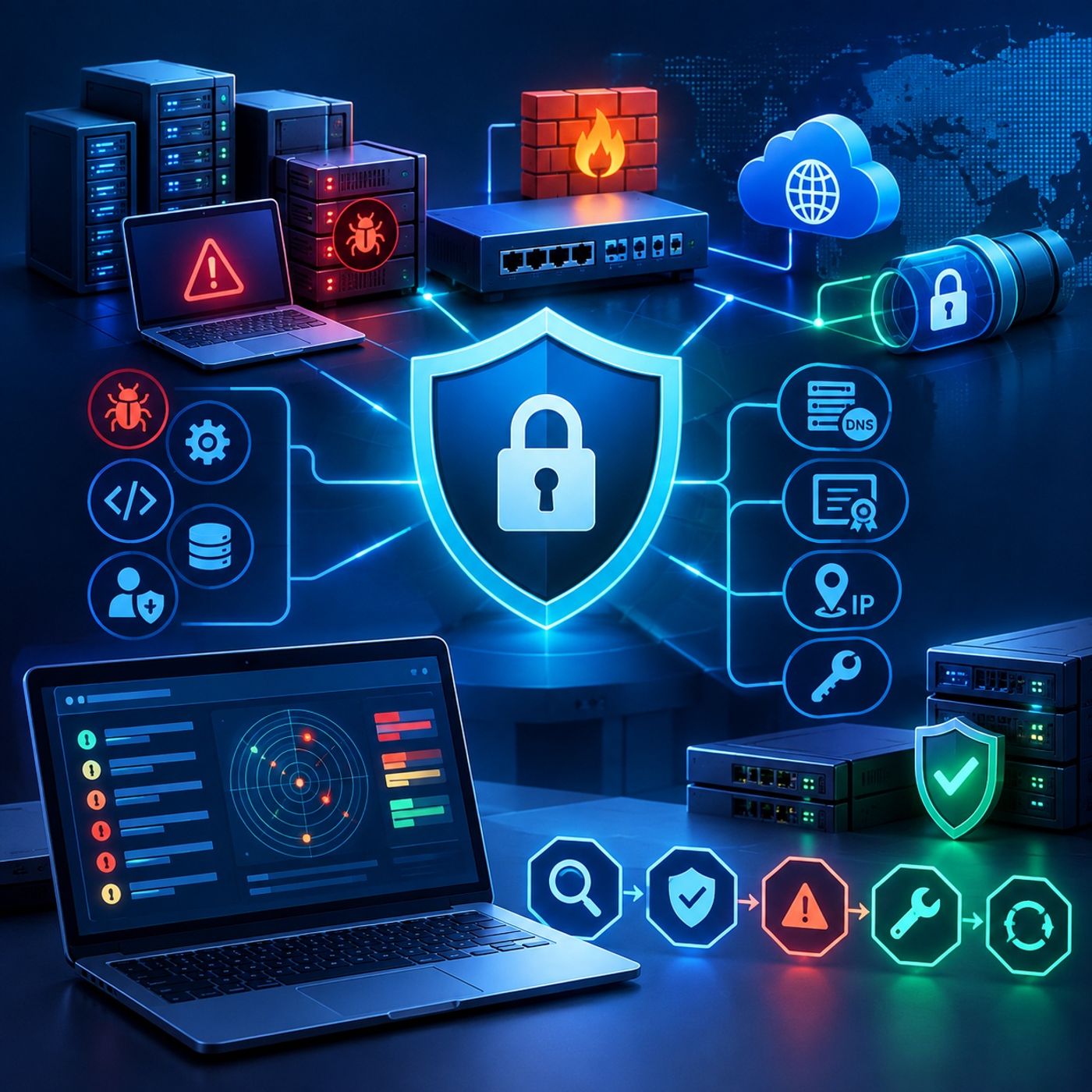
Episode OverviewThis episode provides a comprehensive examination of vulnerabilities affecting both host systems and network infrastructure, showing how outdated software, insecure configurations, vulnerable protocols, and missing patches can expose an enterprise to compromise.The discussion begins with host and server security, focusing on unsupported operating systems, software vulnerabilities, memory-safety issues, privilege escalation, debugging configurations, and unpatched systems. It then moves into network infrastructure, examining firmware management, secure administration, TLS security, certificate validation, DNS protection, information disclosure, and VPN security.Finally, the episode brings these concepts together through vulnerability-scanning and remediation workflows, demonstrating how tools such as Nessus and Qualys...
Course 46 - CompTIA Cybersecurity Analyst | Episode 17: CVSS Temporal Scores & Result Validation
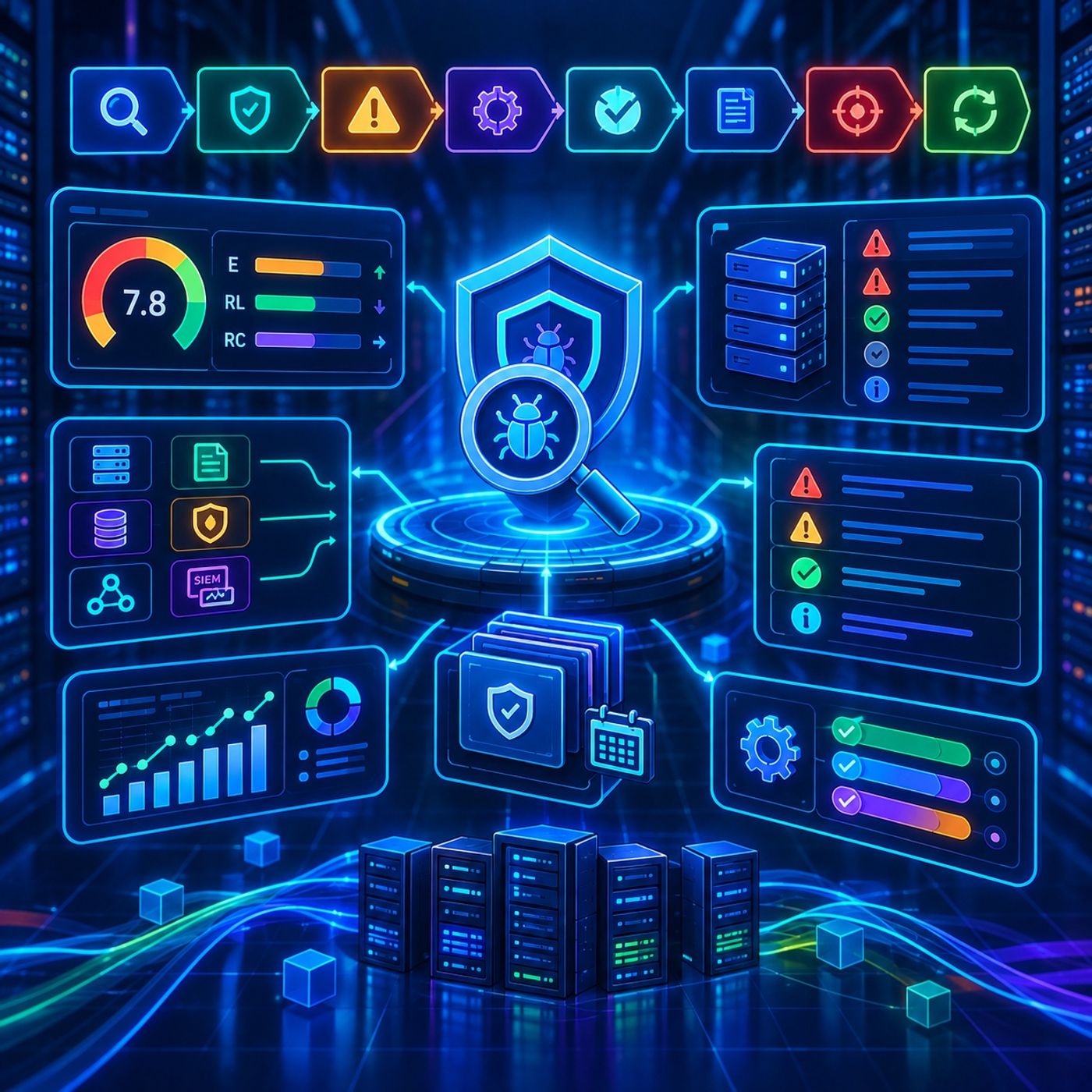
Episode OverviewThis episode explores the practical realities of enterprise vulnerability management, focusing on how security teams evaluate changing vulnerability conditions, validate automated scan results, and use multiple data sources to maintain an accurate view of organizational risk.The episode begins with CVSS Temporal Scores, which extend vulnerability assessment beyond an initial base score by incorporating factors that can change over time. These include the availability and maturity of exploitation, the availability of remediation, and confidence in the vulnerability report. As patches, workarounds, or other mitigations become available, the temporal assessment can change accordingly.The discussion then moves into scan-result...
Course 46 - CompTIA Cybersecurity Analyst | Episode 16: Mastering CVSS
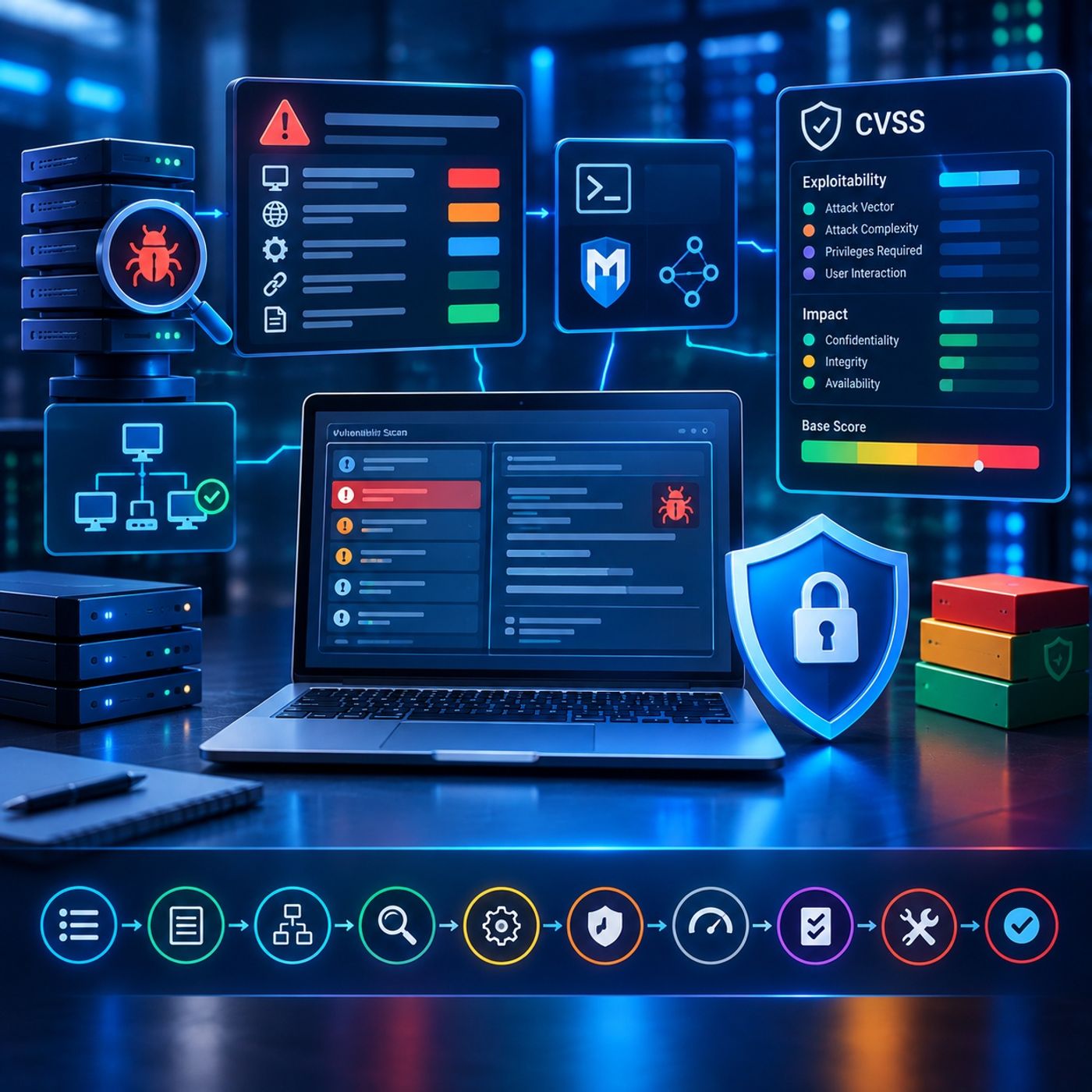
Episode OverviewThis episode provides a structured guide to vulnerability management, showing how security analysts move from raw vulnerability scanner findings to validated vulnerabilities and standardized risk ratings.The episode begins with the practical interpretation of scanner reports, using tools such as Nessus to examine vulnerability descriptions, affected hosts, exploitability information, and supporting references. It then explores how analysts investigate the underlying cause of a finding, assess whether exploitation is feasible, identify relevant exploitation frameworks such as Metasploit, and isolate affected systems for controlled remediation.The episode then introduces the Common Vulnerability Scoring System (CVSS), explaining how standardized metrics describe...
Course 46 - CompTIA Cybersecurity Analyst | Episode 15: Reporting, Prioritization, and Patching
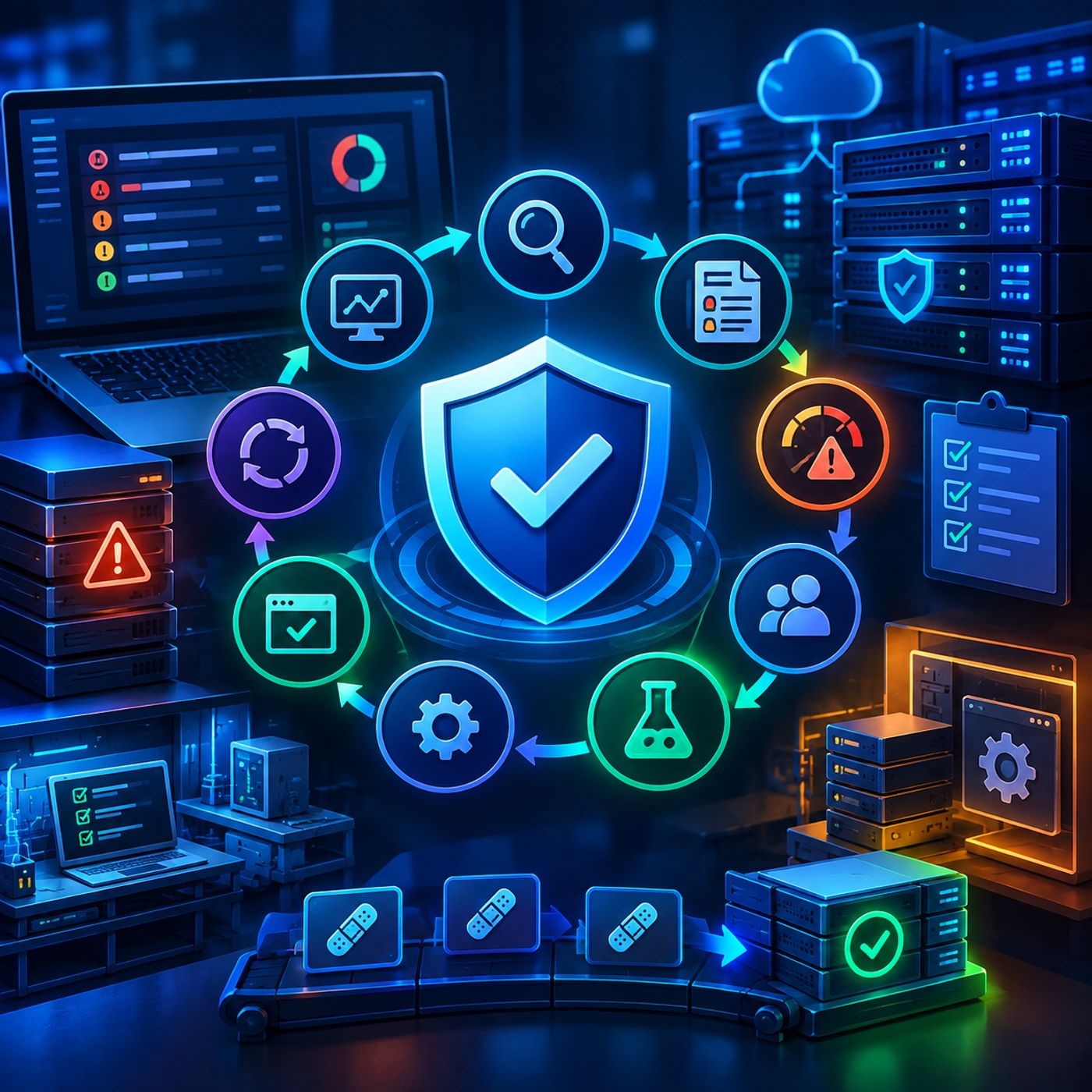
Episode OverviewThis episode explores the end-to-end vulnerability remediation process, following security findings from initial scan results through risk-based prioritization, patch testing, production deployment, and governance.It examines why vulnerability management does not end when a scanner identifies a weakness. Security teams must interpret findings, determine which issues represent the greatest organizational risk, coordinate with system owners, validate remediation strategies, and deploy fixes without unnecessarily disrupting critical business operations.Key Topics Covered1. Vulnerability Reporting and Security MetricsThe episode begins with the analysis of vulnerability-scanning dashboards and reports, using platforms such as Nessus to demonstrate how large volumes of findings can...
Course 46 - CompTIA Cybersecurity Analyst | Episode 14: Scanner Maintenance, SCAP Standards & Workflows
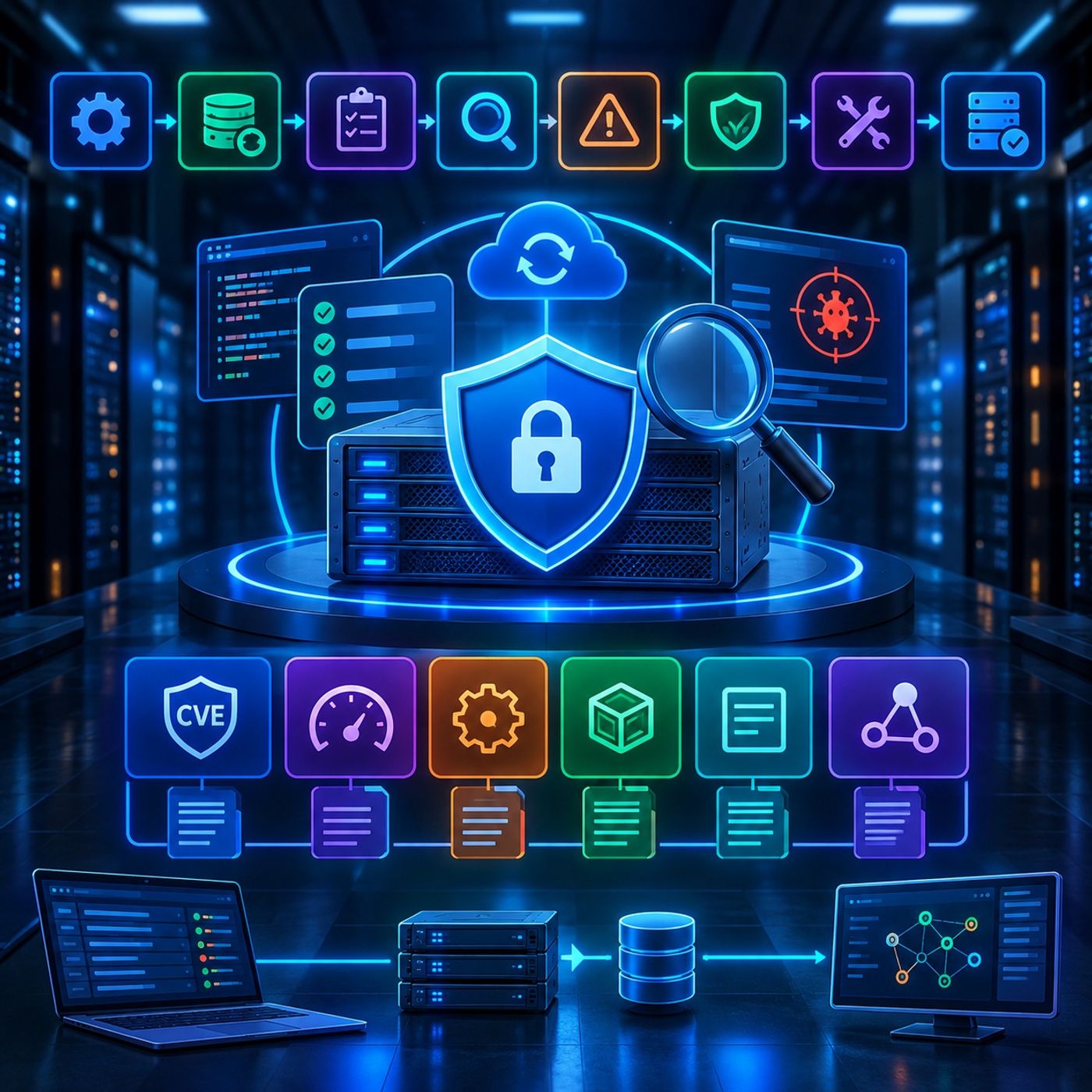
Episode OverviewThis episode focuses on the operational side of vulnerability management, examining how organizations maintain vulnerability-scanning infrastructure, keep detection content current, and use standardized security frameworks to produce consistent and interoperable assessment results.The episode begins with scanner security and maintenance, including software updates, plugin and signature synchronization, and pre-scan verification. It then introduces the Security Content Automation Protocol (SCAP) and its associated standards for identifying, scoring, describing, and automatically evaluating security vulnerabilities and configuration issues.Key Topics Covered1. Securing and Maintaining Vulnerability ScannersVulnerability scanners are themselves software systems and therefore require security maintenance.The episode emphasizes that scanners...
Course 46 - CompTIA Cybersecurity Analyst | Episode 13: Perspectives, Credentials, and Configuration
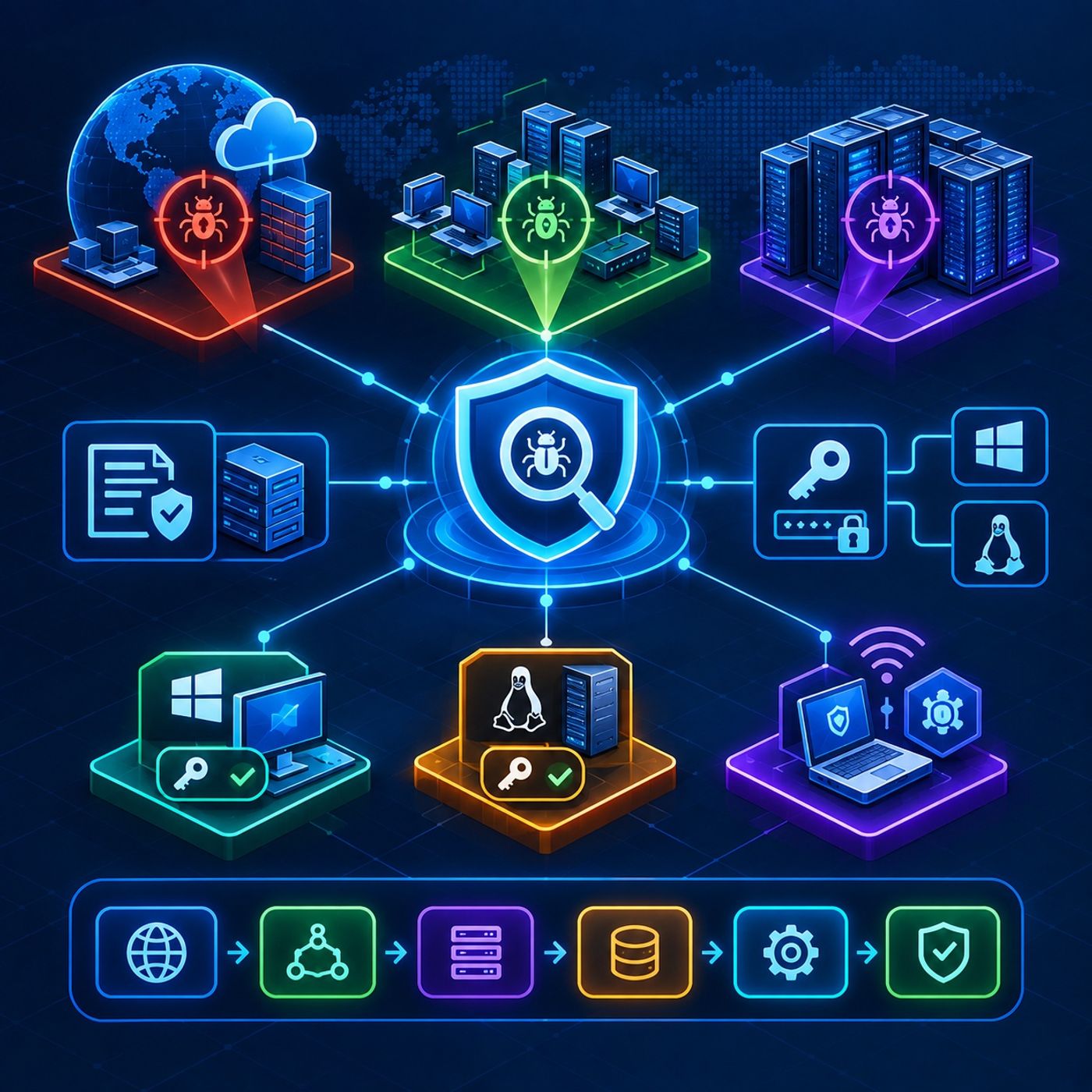
Episode OverviewThis episode explores the strategic decisions behind configuring effective enterprise vulnerability assessments. It examines how security teams can evaluate infrastructure from multiple perspectives, configure reusable scanning policies, and use authenticated assessments to obtain deeper visibility into operating systems, databases, and applications.The episode also covers credential management for Windows and Linux environments and introduces agent-based vulnerability scanning as a complementary approach for assets that may be difficult to assess through traditional network-based scanning.Key Topics Covered1. Multiple Vulnerability-Scanning PerspectivesA single scanning perspective cannot provide a complete picture of organizational risk.The episode examines three important assessment perspectives:<...
Course 46 - CompTIA Cybersecurity Analyst | Episode 12: Vulnerability Scanning Foundations

Episode OverviewThis episode moves from vulnerability management strategy into the practical implementation of enterprise vulnerability scanning. It examines the major scanning platforms used to identify security weaknesses, explains how to establish safe and effective assessment boundaries, and explores the configuration choices that determine the depth and perspective of a vulnerability assessment.The episode also demonstrates how network segmentation can reduce the scope of sensitive environments and simplify compliance efforts while protecting critical systems and data.Key Topics Covered1. Enterprise Vulnerability Scanning ToolsThe episode begins with a comparison of vulnerability-scanning technologies designed for different assessment requirements.Key platforms and tools...
Course 46 - CompTIA Cybersecurity Analyst | Episode 11: Foundations of Vulnerability Management
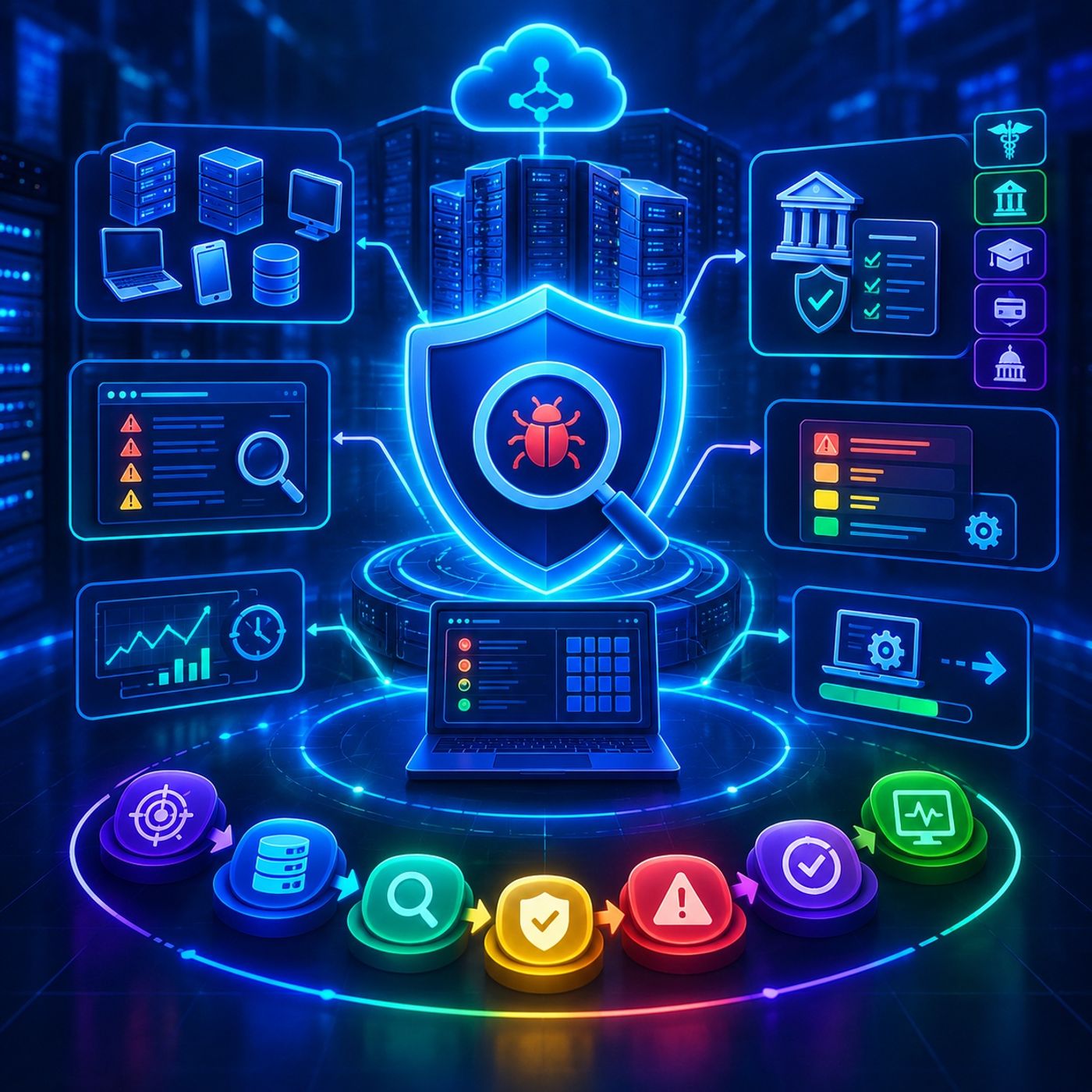
Episode OverviewThis episode explores the end-to-end foundations of a Vulnerability Management Program, moving from the identification of security weaknesses to risk-based prioritization, remediation, governance, and continuous improvement.Rather than treating vulnerability scanning as a one-time technical activity, the episode presents vulnerability management as an ongoing organizational process involving people, technology, policies, compliance requirements, and risk decisions.It examines the regulatory drivers behind vulnerability assessments, the policies required to define an effective scanning program, and the operational challenges organizations face when turning vulnerability findings into measurable security improvements.Key Topics Covered1. Vulnerability Management: Definition and PurposeThe episode begins by defining...
Course 46 - CompTIA Cybersecurity Analyst | Episode 10: Information Gathering, Organizational Intelligence, and Defense

Episode OverviewThis episode provides an end-to-end examination of network reconnaissance, organizational intelligence gathering, and defensive countermeasures. It explores how security professionals identify publicly exposed information, map digital and physical infrastructure, correlate intelligence from multiple sources, and recognize reconnaissance activity before it develops into a more serious security incident.The episode progresses from basic domain and infrastructure footprinting to automated intelligence aggregation, metadata analysis, OSINT techniques, and finally the technologies and security practices used to detect, limit, and respond to reconnaissance.Key Topics Covered1. Domain Footprinting and Infrastructure MappingThe episode begins with foundational techniques for understanding an organization's externally visible...
Course 46 - CompTIA Cybersecurity Analyst | Episode 9: Domain Names, IP Ranges, and Zone Transfers
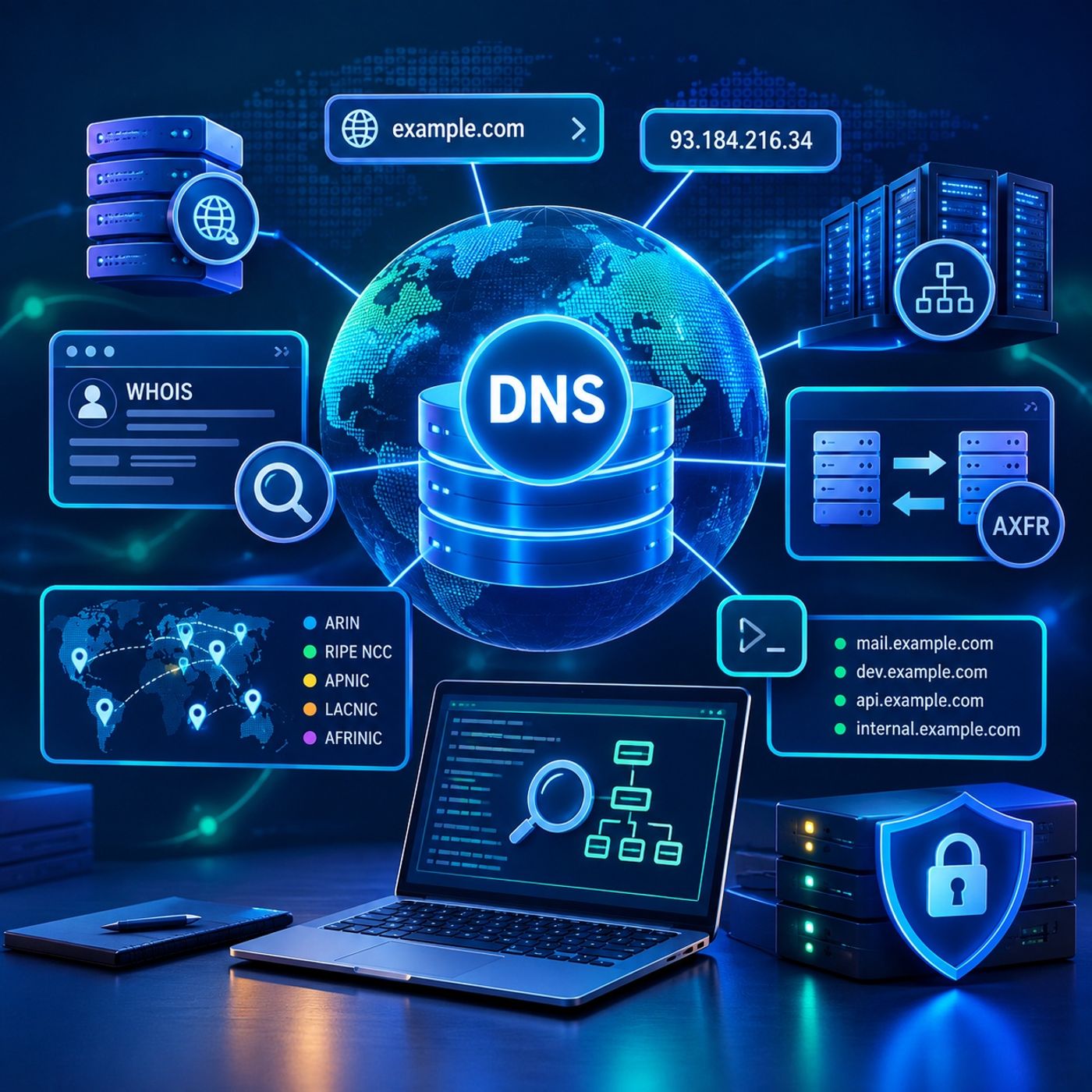
Episode OverviewThis episode explores the fundamentals of DNS reconnaissance and network footprinting, examining how security professionals can use Internet addressing information and DNS infrastructure to build a clearer picture of an organization's external network.The discussion begins with the relationship between human-readable domain names and IP addresses, then moves into global IP address allocation, WHOIS-based information gathering, and DNS zone transfers. It concludes with alternative subdomain enumeration techniques and defensive measures designed to prevent unauthorized DNS information disclosure.Key Topics Covered1. Domain Names, IP Addresses, and Internet AllocationThe episode begins with the foundations of Internet addressing and name resolution...
Course 46 - CompTIA Cybersecurity Analyst | Episode 8: Active Port Scanning to Passive Analysis

Episode OverviewThis episode explores the core techniques and tools used to discover network infrastructure, identify exposed services, and build an accurate picture of host environments. It moves from active port scanning with Nmap and Zenmap to alternative discovery utilities and automated approaches, before transitioning to passive reconnaissance techniques used when direct probing is undesirable or unavailable.The episode highlights the differences between active and passive discovery and demonstrates how security professionals can combine multiple sources of information to develop a more complete understanding of a network.Key Topics Covered1. Active Port Scanning with Nmap and ZenmapThe episode begins with...
Course 46 - CompTIA Cybersecurity Analyst | Episode 7: Network Footprinting & Mapping

Episode OverviewThis episode explores the foundations of cybersecurity reconnaissance and network mapping, following the process from initial intelligence gathering to active network footprinting and topology visualization.It examines how security professionals identify systems and services, evaluate network boundaries, and build an understanding of complex infrastructure while maintaining clear authorization and scope. The episode also highlights the practical challenges that can limit visibility across traditional networks, wireless environments, virtualized infrastructure, and cloud platforms.Key Topics Covered1. Reconnaissance and Compliance FrameworksThe episode begins with the role of reconnaissance in security assessments and vulnerability management.It examines how internal and external vulnerability...
Course 46 - CompTIA Cybersecurity Analyst | Episode 6: Penetration Testing, Team War Games, and Reverse Engineering
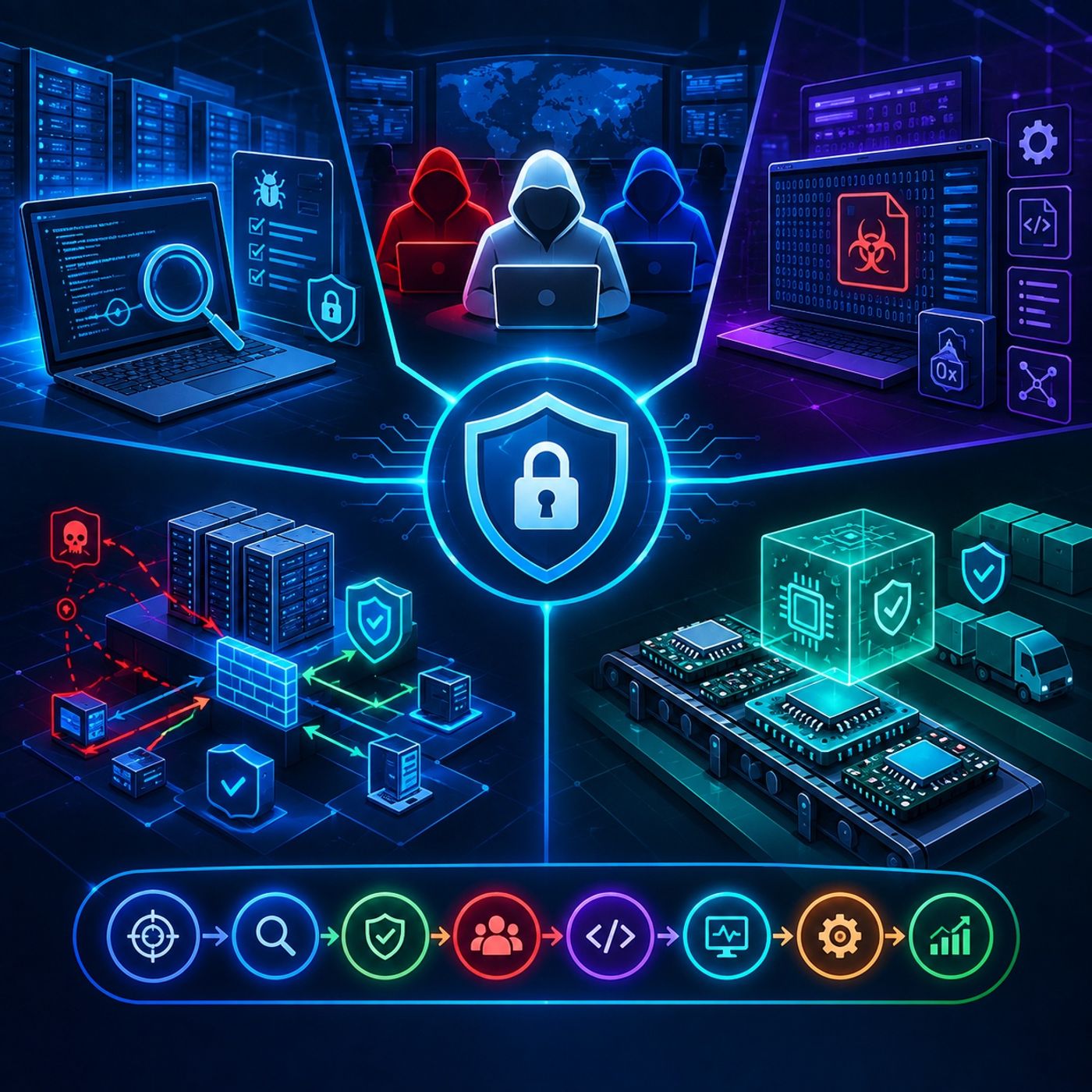
Episode OverviewThis episode explores the core methodologies used to assess, simulate, investigate, and strengthen cybersecurity defenses. It brings together three complementary areas of security operations: structured penetration testing, controlled adversary simulations, and reverse engineering for malware analysis.From evaluating an organization's external attack surface to conducting realistic Red Team and Blue Team exercises, the episode demonstrates how security professionals can identify weaknesses and validate defensive capabilities. It also examines how reverse engineering and malware analysis can reveal the behavior and internal logic of unknown binaries, while highlighting the importance of security throughout the technology supply chain.Key Topics Covered1...
Course 46 - CompTIA Cybersecurity Analyst | Episode 5: Network Deception and Secure Endpoint Management
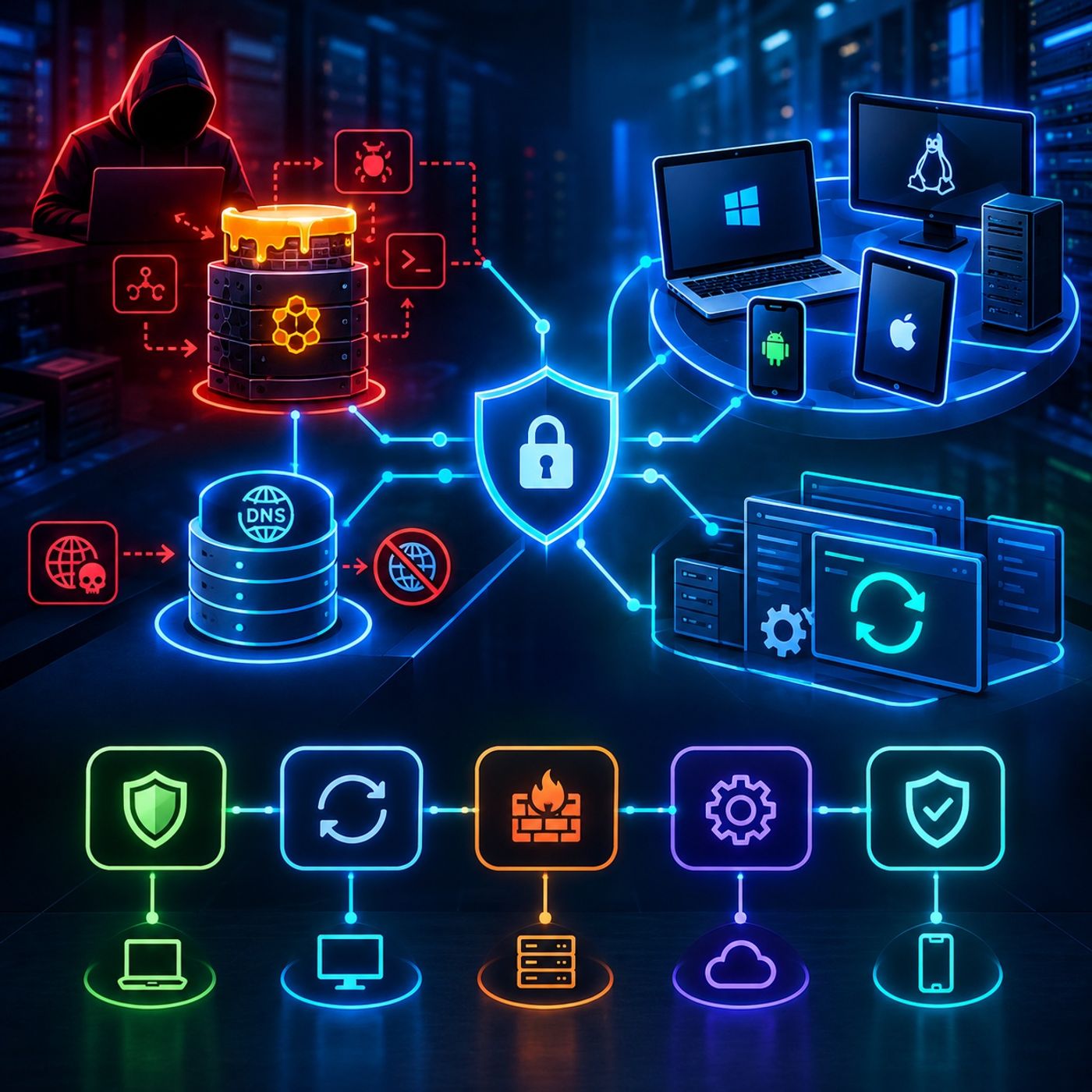
Network Defense: Deception, Endpoint Hardening, and Security ManagementEpisode OverviewThis episode expands the network-defense model by examining two complementary areas of cybersecurity: defensive deception and enterprise endpoint security management.The first part introduces deception technologies such as honeypots and DNS sinkholes, showing how defenders can manipulate attacker behavior, collect threat intelligence, and disrupt malicious infrastructure.The second part focuses on protecting the organization's endpoints, including laptops, desktops, and mobile devices. The lesson examines five essential areas of endpoint security:
- System hardening
- Patch management
- Compensating controls
<...
Course 46 - CompTIA Cybersecurity Analyst | Episode 4: Architecture of Isolation: Perimeter Security to Access Control
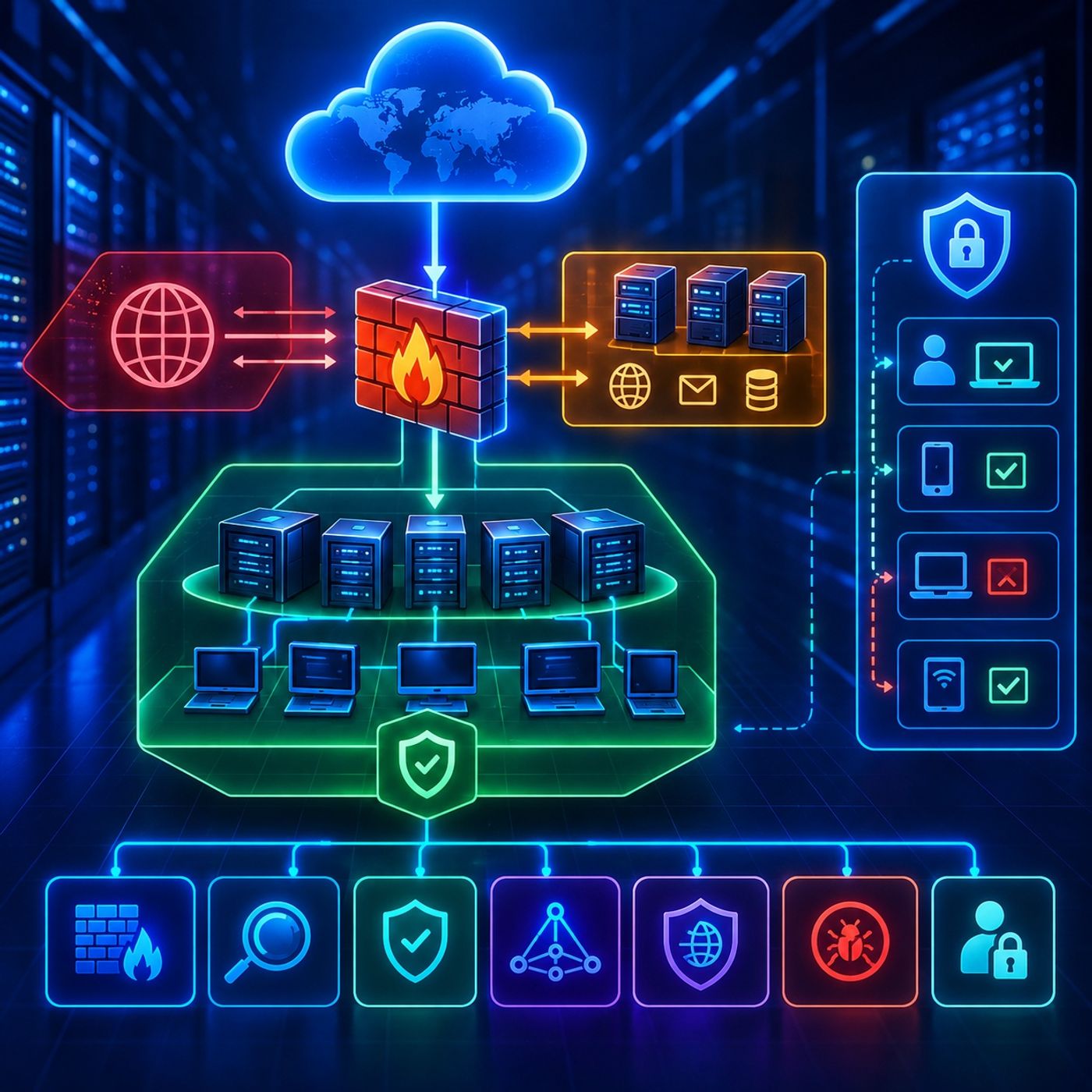
Network Defense Fundamentals: Firewalls, DMZ Architecture, and Network Access ControlEpisode OverviewThis episode introduces the core principles of network defense, focusing on perimeter security, network segmentation, traffic filtering, and access management.The lesson begins with the role of firewalls at network boundaries and examines how organizations separate the public internet, internal networks, and semi-trusted environments such as a Demilitarized Zone (DMZ).You will explore firewall architectures, Access Control Lists (ACLs), packet filtering, stateful inspection, next-generation firewalls, and Web Application Firewalls (WAFs). The episode also introduces network port classifications and explains how source addresses, destination addresses, and service ports contribute to...
Course 46 - CompTIA Cybersecurity Analyst | Episode 3: Measuring and Managing Risk
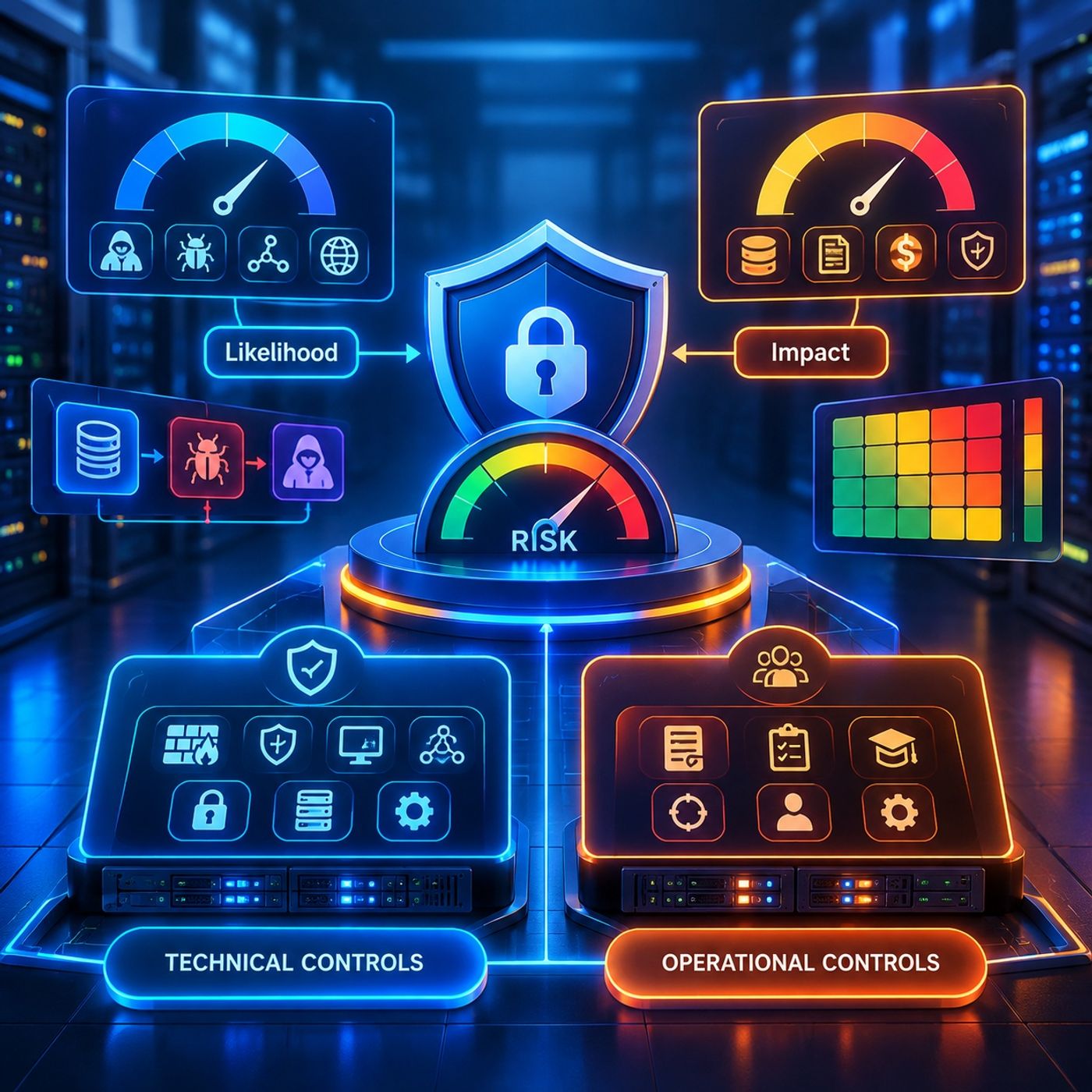
Measuring and Managing Cybersecurity Risk: Likelihood, Assessment, and ControlsEpisode OverviewThis episode moves from identifying cybersecurity risks to understanding how organizations measure, prioritize, and manage those risks.Building on the previous discussion of threats, vulnerabilities, assets, likelihood, and impact, this lesson provides a practical framework for determining how significant a particular risk may be and what actions an organization can take in response.The episode examines the relationship between likelihood and impact, compares qualitative and quantitative risk assessments, introduces four fundamental risk response strategies, and explores how technical and operational security controls can reduce exposure to an acceptable level.The...
Course 46 - CompTIA Cybersecurity Analyst | Episode 2: Mastering Risk Assessment: Frameworks, Threats, and Vulnerabilities
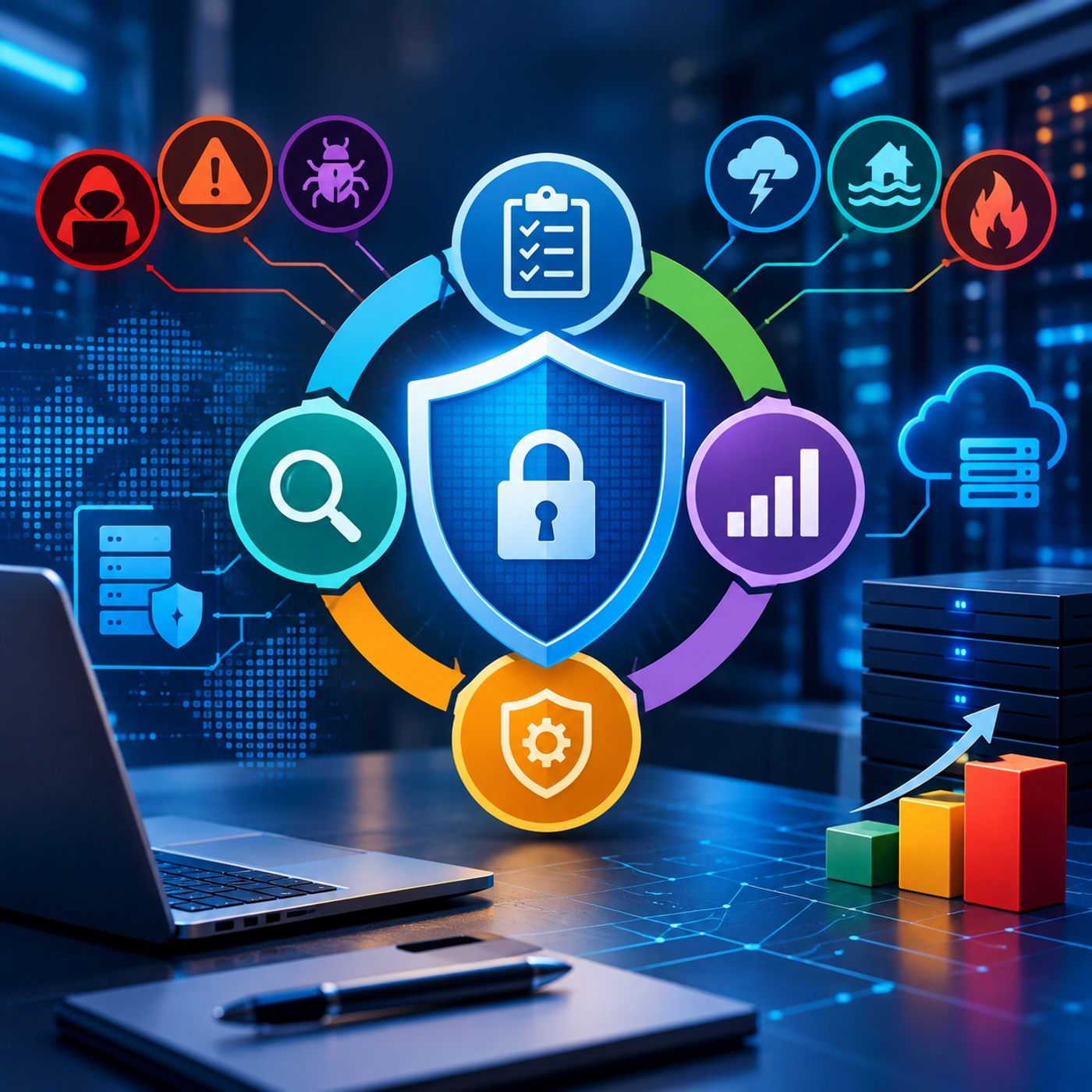
Cybersecurity Risk Management: NIST SP 800-30 and Threat AssessmentEpisode OverviewThis episode explores the fundamentals of cybersecurity risk management through the NIST SP 800-30 risk assessment framework.Building on the previous episode's examination of assets, vulnerabilities, and threats, this lesson focuses on how organizations transform those concepts into a structured assessment of likelihood, impact, and overall risk.The episode examines the complete risk assessment lifecycle, introduces four major categories of threats, and explains how organizations can use assessment results to determine whether risks should be accepted, mitigated through security controls, or addressed through other risk-management strategies.The lesson also emphasizes...
Course 46 - CompTIA Cybersecurity Analyst | Episode 1: Fundamentals, Risk & the CIA Triad
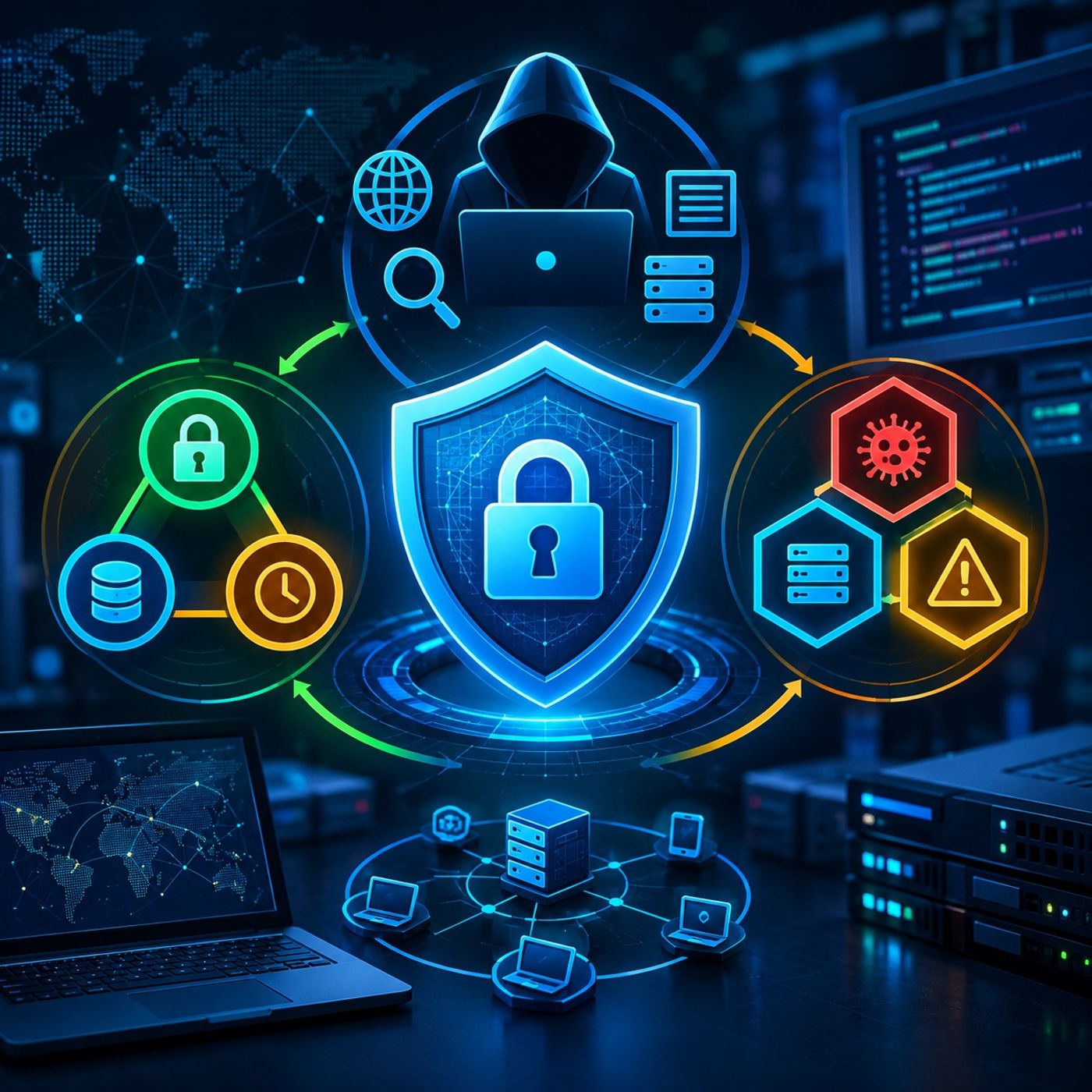
Cybersecurity Threat Management: Reconnaissance, the CIA Triad, and Risk FundamentalsEpisode OverviewThis episode introduces the foundational concepts of cybersecurity threat management associated with CySA+ Domain 1.The lesson begins with threat identification and reconnaissance, examining how security professionals collect information about systems, organizations, and potential attack surfaces through active and passive open-source intelligence (OSINT) techniques.From there, the episode moves into the CIA Triad, one of the fundamental models used to understand information security: Confidentiality, Integrity, and Availability.Finally, we establish the foundation for cybersecurity risk analysis by examining the relationship between assets, vulnerabilities, and threats. Understanding these three elements provides...
Course 45 - IE Data Center Network Design | Episode 5: Virtual Routing, Multi-Tenancy & Data Center Management Design
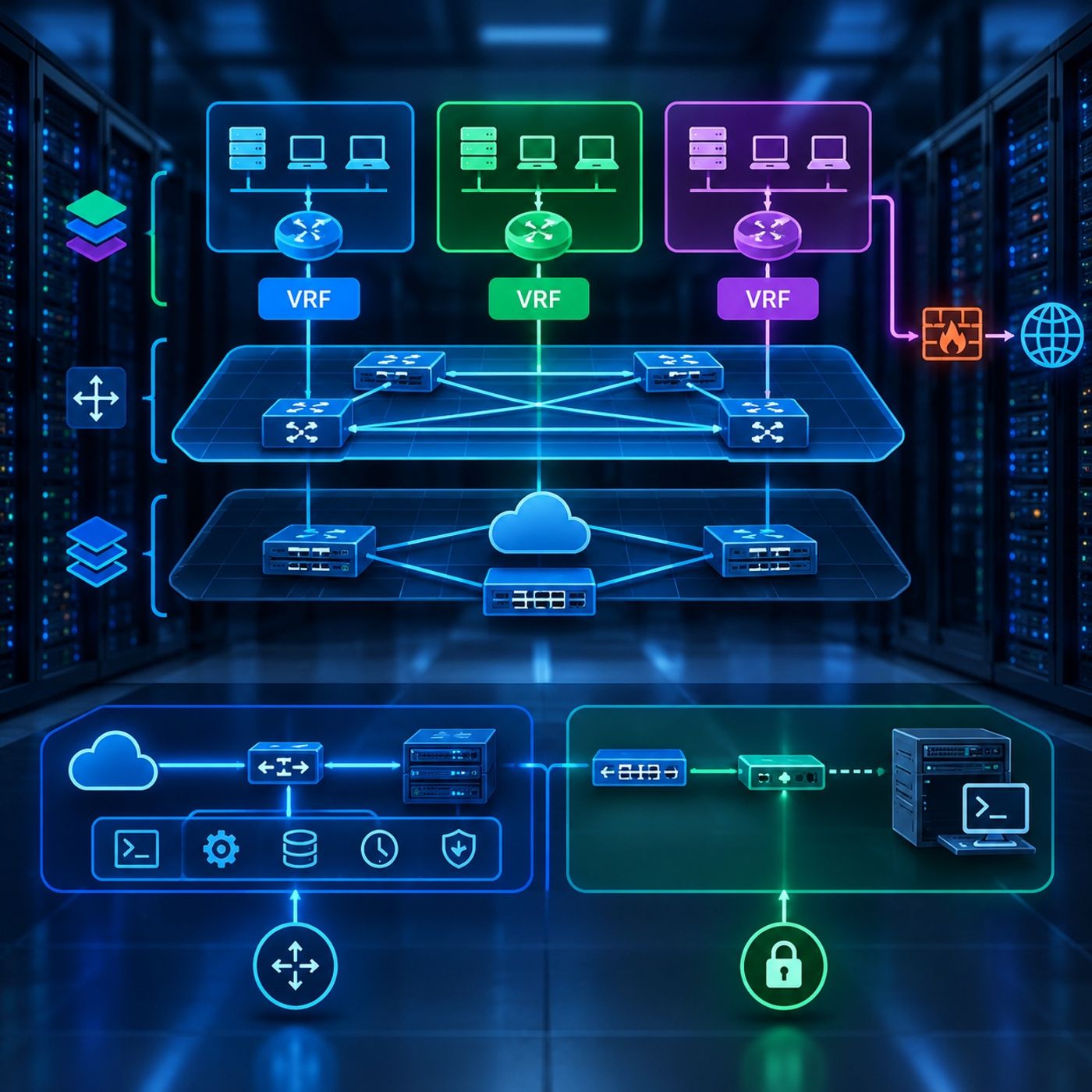
Data Center Virtualization and Secure Management ArchitectureEpisode OverviewModern data centers must provide both strong network isolation and reliable administrative access.In this episode, we explore two foundational aspects of data center architecture: Layer 3 network virtualization with Virtual Routing and Forwarding (VRF) and secure infrastructure management through inband and Out-of-Band (OOB) architectures.We begin by examining how VRFs transform a physical routing platform into multiple logically independent routing environments. We then apply these concepts to VXLAN EVPN fabrics, where VRFs provide tenant isolation while keeping overlay traffic separate from the underlying infrastructure network.The second part moves from data-plane architecture...
Course 45 - IE Data Center Network Design | Episode 4: Cisco Data Center Fabrics
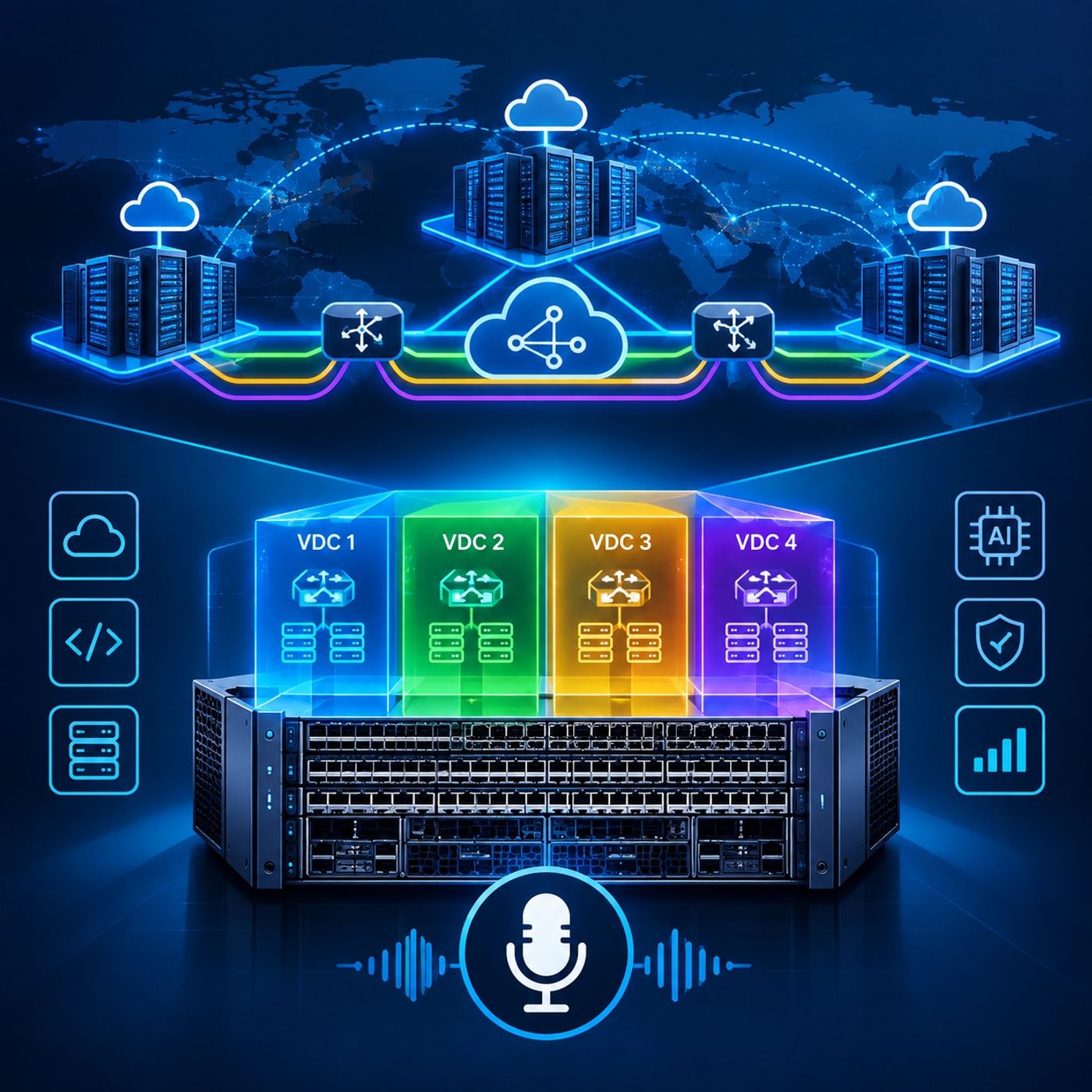
Data Center Network Architecture: Multi-Site VXLAN EVPN and Chassis VirtualizationEpisode OverviewModern data centers increasingly depend on virtualization at both the network and hardware layers.Overlay technologies such as VXLAN BGP EVPN allow organizations to build scalable multi-site fabrics that support workload mobility, Layer 2 extension, and multi-tenant Layer 3 routing. At the same time, chassis virtualization technologies such as Cisco Nexus Virtual Device Contexts (VDCs) allow a single physical switching platform to operate as multiple logically independent network devices.In this episode, we explore both approaches through two interconnected topics:
- Multi-site VXLAN BGP EVPN architecture<...
Course 45 - IE Data Center Network Design | Episode 3: Mastering Virtual Port Channels
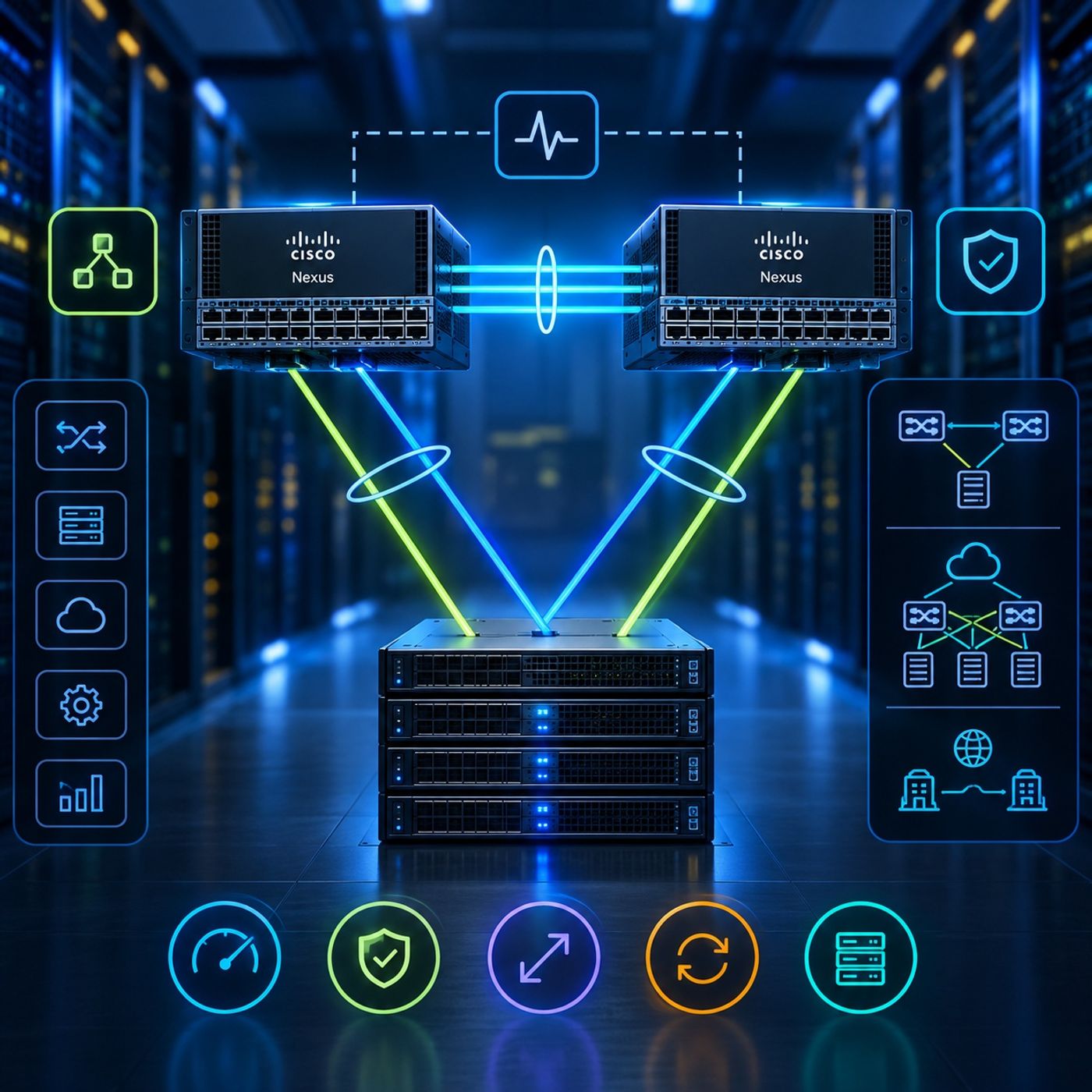
Virtual Port Channel (vPC) Design: Architecture, Best Practices, and Advanced StrategiesEpisode OverviewHow can two physical Cisco Nexus switches provide a highly available, active-active connection to the same downstream device while maintaining Layer 2 loop prevention?Virtual Port Channel (vPC) provides a multi-chassis link aggregation architecture that allows two switches to present a coordinated logical interface to connected devices. The result is active-active connectivity, improved bandwidth utilization, device-level redundancy, and rapid recovery from individual link or switch failures.In this episode, we explore the architecture and operational principles behind vPC on Cisco Nexus platforms, beginning with its core building blocks and...
Course 45 - IE Data Center Network Design | Episode 2: Modern Layer 3 Data Center Design
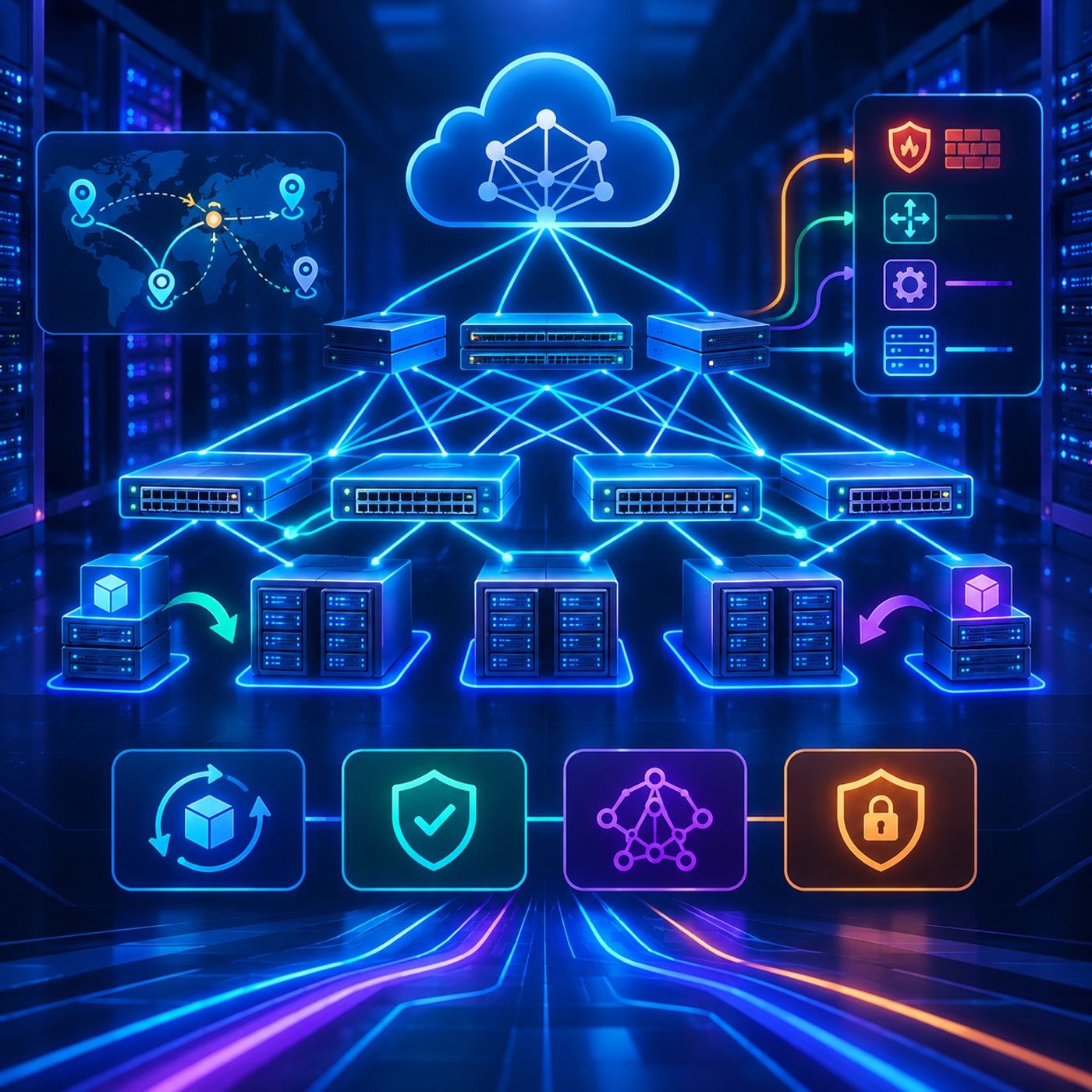
Designing Resilient Layer 3 Data Center Networks: Mobility, Convergence, and Service IntegrationEpisode OverviewModern data centers increasingly rely on routed Layer 3 fabrics to achieve the scalability, availability, and operational flexibility demanded by virtualized workloads.In this two-part episode, we explore the architecture behind resilient Layer 3 data center networks, focusing on three foundational objectives:
- IP mobility and optimized ingress paths
- High availability and rapid convergence
- Layer 4–7 service integration
The episode builds upon modern leaf-spine and VXLAN architectures, showing how distributed gateways, host-mobility technologies, fast failure detection, re...
Course 45 - IE Data Center Network Design | Episode 1: Layer 2 Data Center Design

Layer 2 Data Center Design & Endpoint MobilityEpisode OverviewModern data center networks must do more than simply connect servers. They must support workload mobility, continuous availability, scalable architectures, and intelligent integration of network services.In this episode, we explore the architectural principles behind high-performance Layer 2 and data center fabrics, beginning with the limitations of traditional Spanning Tree Protocol and progressing toward Virtual Port Channels, leaf-spine architectures, VXLAN, ECMP, and Layer 4–7 service integration.The goal is to understand how modern data center designs preserve the benefits of Layer 2 connectivity while introducing the scalability, redundancy, and fast convergence associated with Layer 3 architectures.1. Defining th...
Course 44 - RH Security Specialist | Episode 12: Securing Linux with Nessus and IPTables
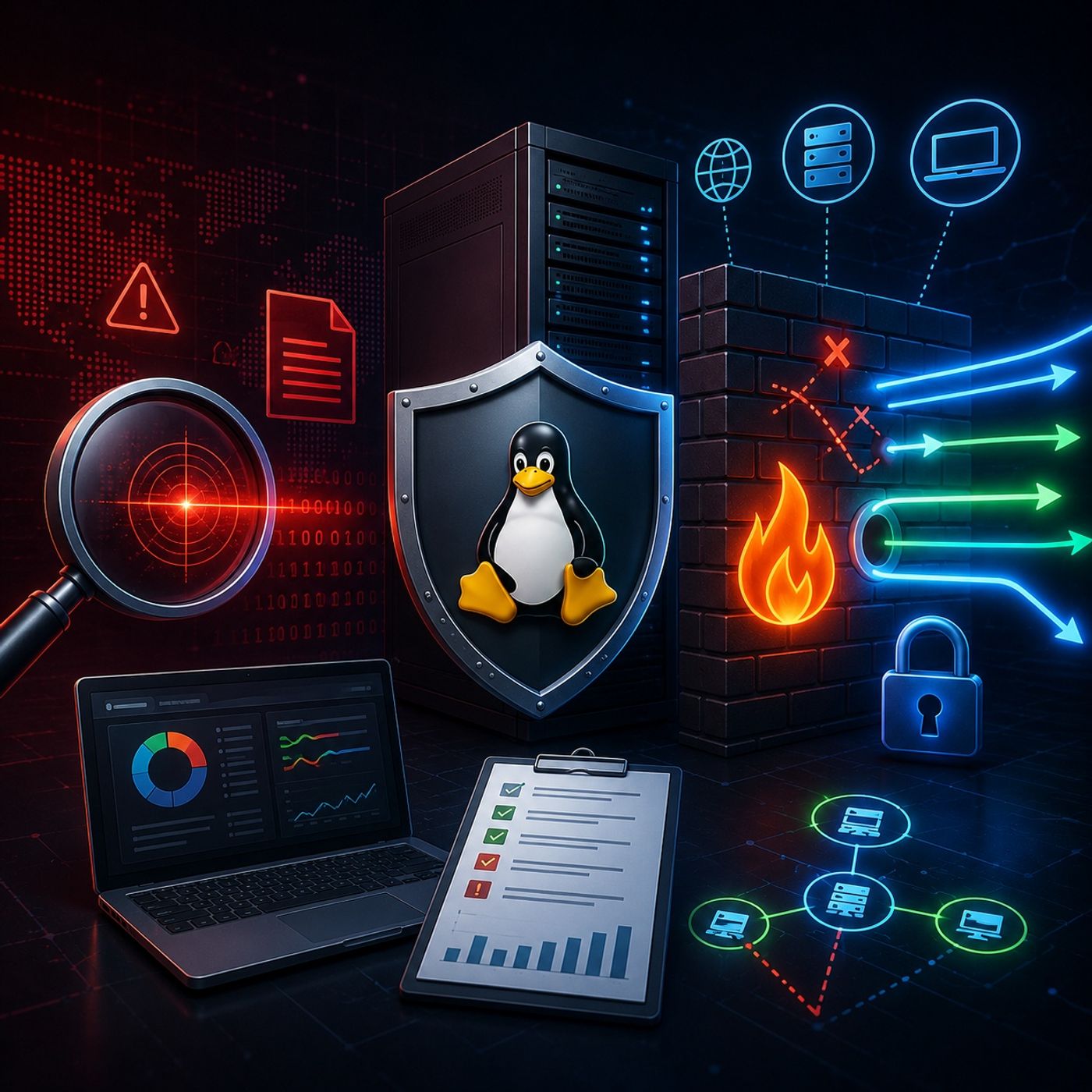
How can you determine whether a Linux server contains known security weaknesses—and how can you control the network traffic reaching those services?In this episode, we focus on two essential pillars of Linux server defense: proactive vulnerability assessment and active firewall protection.We begin with Nessus, exploring how vulnerability scanners identify operating systems, software versions, exposed services, and known security weaknesses. We then move into the defensive side of the equation with IPTables and the Linux netfilter framework, examining how host-based firewall rules can control network traffic and reduce the system's attack surface.The episode concludes with practical ru...
Course 44 - RH Security Specialist | Episode 11: System Tracking and Port Reconnaissance
How do you know whether a Linux server is actually secure?Security professionals need more than preventive controls. They need the ability to monitor system activity, investigate suspicious behavior, audit sensitive resources, and verify what is exposed to the network.In this episode, we move from detailed internal auditing with the Linux Audit System to active network reconnaissance and firewall verification. You will learn how to manage and search audit data, create targeted monitoring rules, generate security reports, scan network services with Nmap, and validate the effectiveness of local firewall controls.The result is a practical security workflow that...
Course 44 - RH Security Specialist | Episode 10: Linux System Logging and Auditing
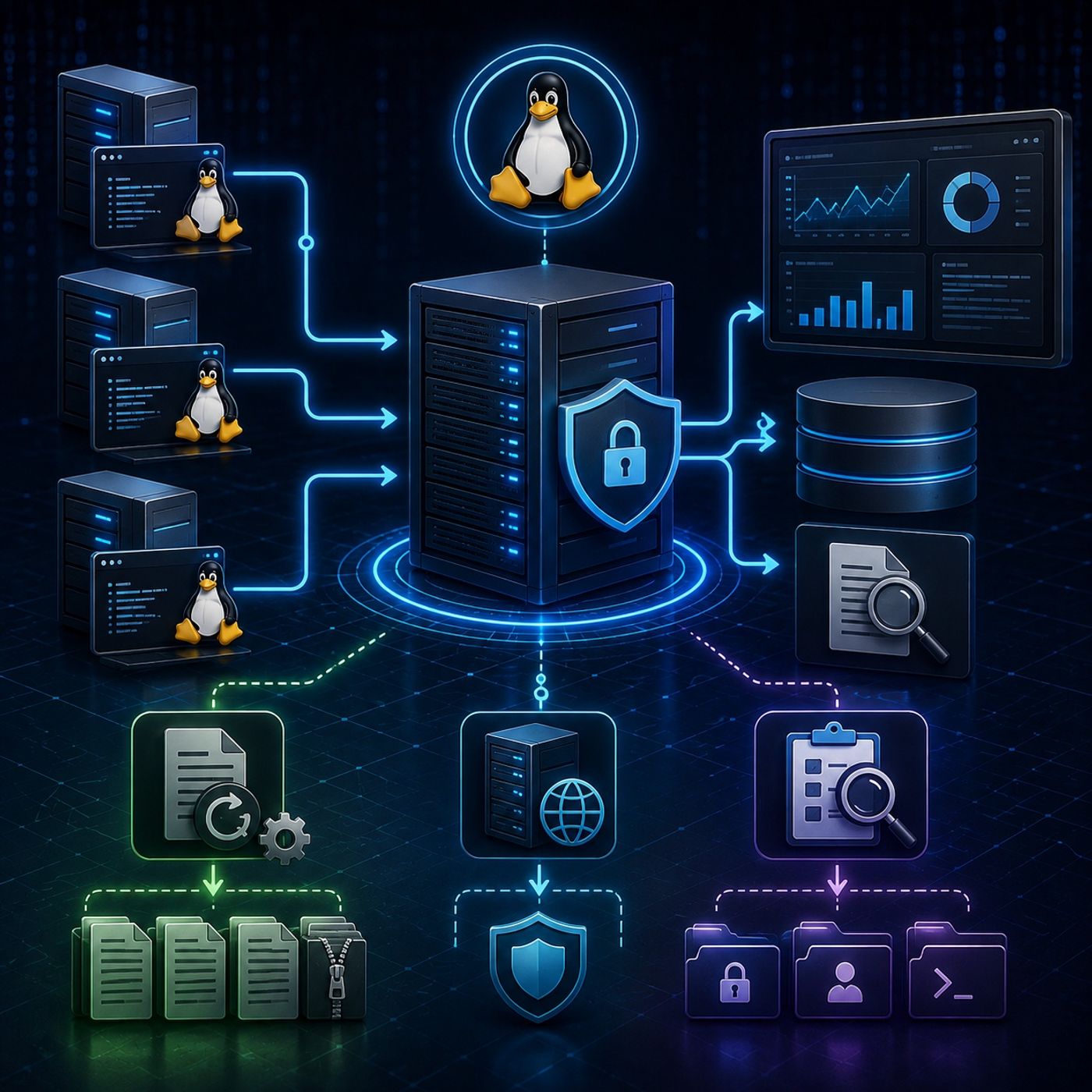
A secure Linux environment is only as effective as your ability to understand what is happening inside it.Servers continuously generate information about authentication attempts, system activity, application behavior, administrative actions, and security events. Without proper log management and auditing, this information can become difficult to analyze, consume valuable storage, or disappear entirely when an attacker compromises the system.In this episode, we explore three essential pillars of Linux system visibility and security monitoring: log management, centralized remote logging, and system auditing.You will learn how administrators and cybersecurity professionals manage large volumes of log data, preserve security evidence...
Course 44 - RH Security Specialist | Episode 9: Identity Management (IdM) and System Logging
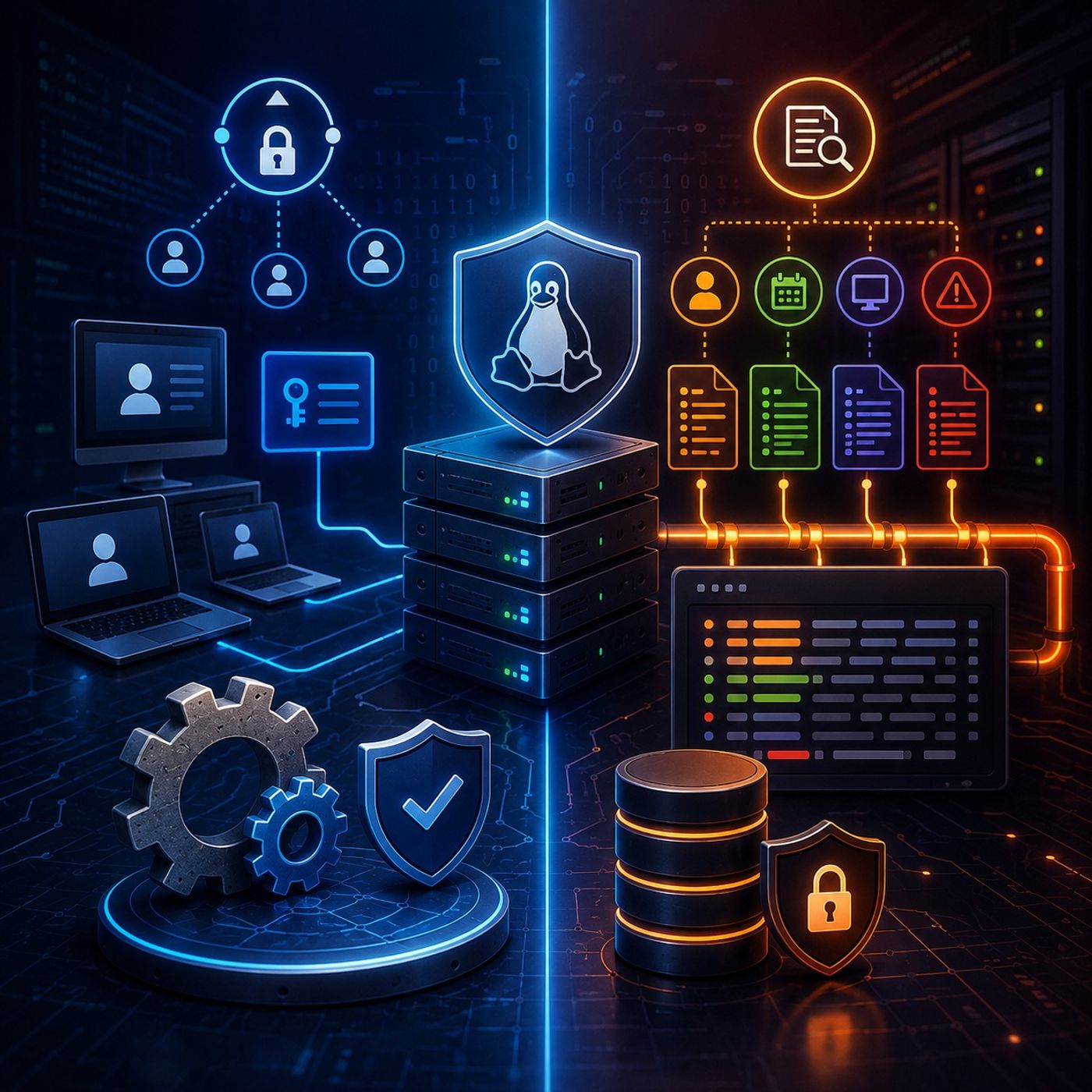
This episode explores two essential components of enterprise Linux administration and security: centralized identity management and system logging.The lesson begins with the deployment of an Identity Management (IdM) Server, covering the process of establishing a centralized authentication and authorization environment. You will configure the server's hostname, Kerberos realm, time synchronization, administrative access, and secure web interface.The episode then moves to IdM Client configuration, demonstrating how Linux systems can join the centralized identity infrastructure and communicate with the IdM server. Finally, the lesson introduces rsyslog, showing how administrators can organize, filter, prioritize, and route system events into dedicated...
Course 44 - RH Security Specialist | Episode 8: Console Security and SSH Banners
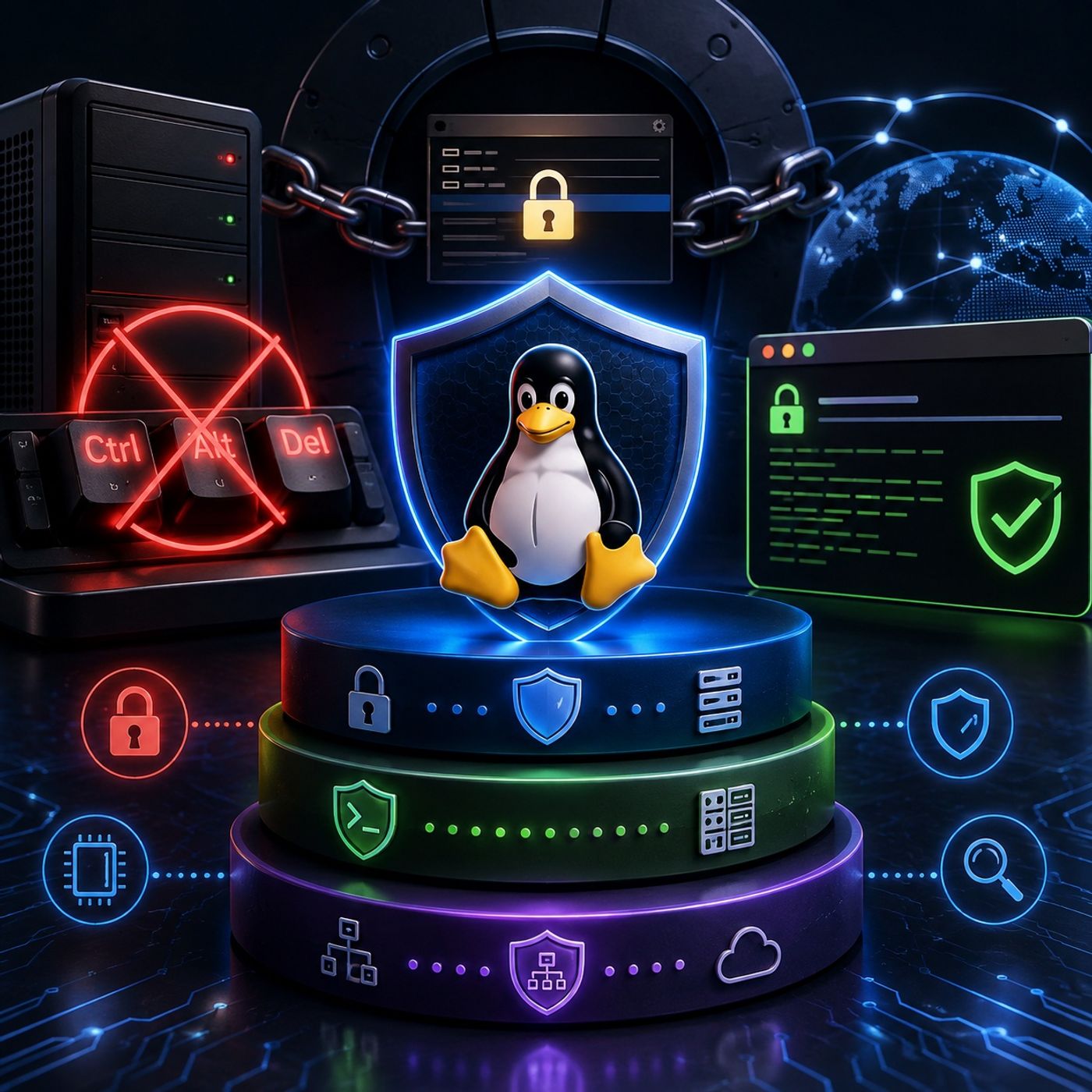
This episode explores essential Linux system-hardening techniques designed to protect both physical console access and remote administration interfaces.The lesson focuses on three practical security controls: disabling the Ctrl+Alt+Del reboot mechanism, protecting the GRUB bootloader with authentication, and configuring pre-login SSH warning banners.Together, these measures demonstrate how Linux security extends beyond file permissions and network controls. A properly hardened system must also account for physical access, boot-time manipulation, administrative boundaries, and legal access notifications.1. Protecting the Console from Unauthorized RebootsPhysical access to a server can provide an attacker with opportunities that are unavailable through normal remote...
Course 44 - RH Security Specialist | Episode 7: Linux Group Security and the Power of PAM
This episode explores two fundamental components of Linux access control: group administration and Pluggable Authentication Modules (PAM).The lesson begins with practical group management, examining how administrators can organize users around shared resources and delegate specific group-management responsibilities without granting full root privileges. From there, the episode moves into the architecture of PAM, revealing how Linux separates authentication, account validation, password management, and session handling into a flexible modular framework.By the end of the episode, you will understand how Linux manages group membership, how authentication decisions are processed through PAM, and how multiple security modules can be combined...
Course 44 - RH Security Specialist | Episode 6: Locking Down the File System

This episode provides a practical guide to strengthening Linux file system security, progressing from protecting shared directories against accidental or unauthorized deletions to implementing granular access controls and continuously monitoring system integrity.The lesson focuses on three essential Linux security mechanisms: the Sticky Bit, File Access Control Lists (FACL), and the Advanced Intrusion Detection Environment (AIDE). Together, these technologies provide multiple layers of protection for shared resources, user permissions, and critical system files.1. Preventing Unauthorized Deletions with the Sticky BitShared directories often require multiple users to have write access. However, traditional write permissions can create a problem: users may...
Course 44 - RH Security Specialist | Episode 5: Mastering Linux Permissions
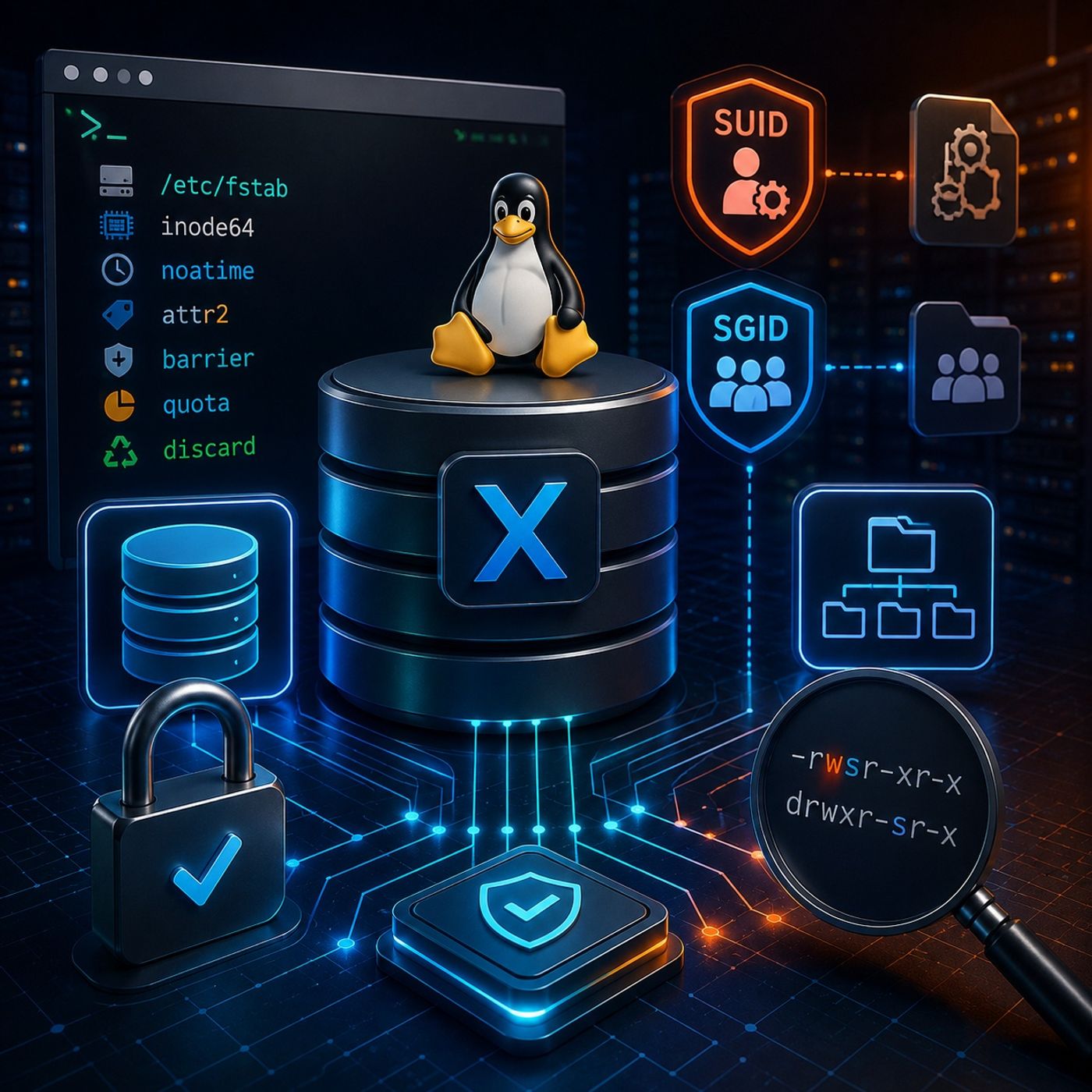
Advanced Linux administration requires a deeper understanding of both filesystem behavior and Unix permission mechanisms. In this episode, we explore the powerful capabilities of the XFS filesystem and examine special permission mechanisms that can significantly influence how users and applications interact with the operating system.We begin with XFS administration, focusing on filesystem mount options, auditing precision, storage quotas, SSD optimization, and large-volume performance. We then transition into SUID (Set User ID) and SGID (Set Group ID), exploring how these special permissions affect executable files and shared directories.Through practical examples and command-line exercises, this episode demonstrates how seemingly...
Course 44 - RH Security Specialist | Episode 4: Performance, Security & Mount Options
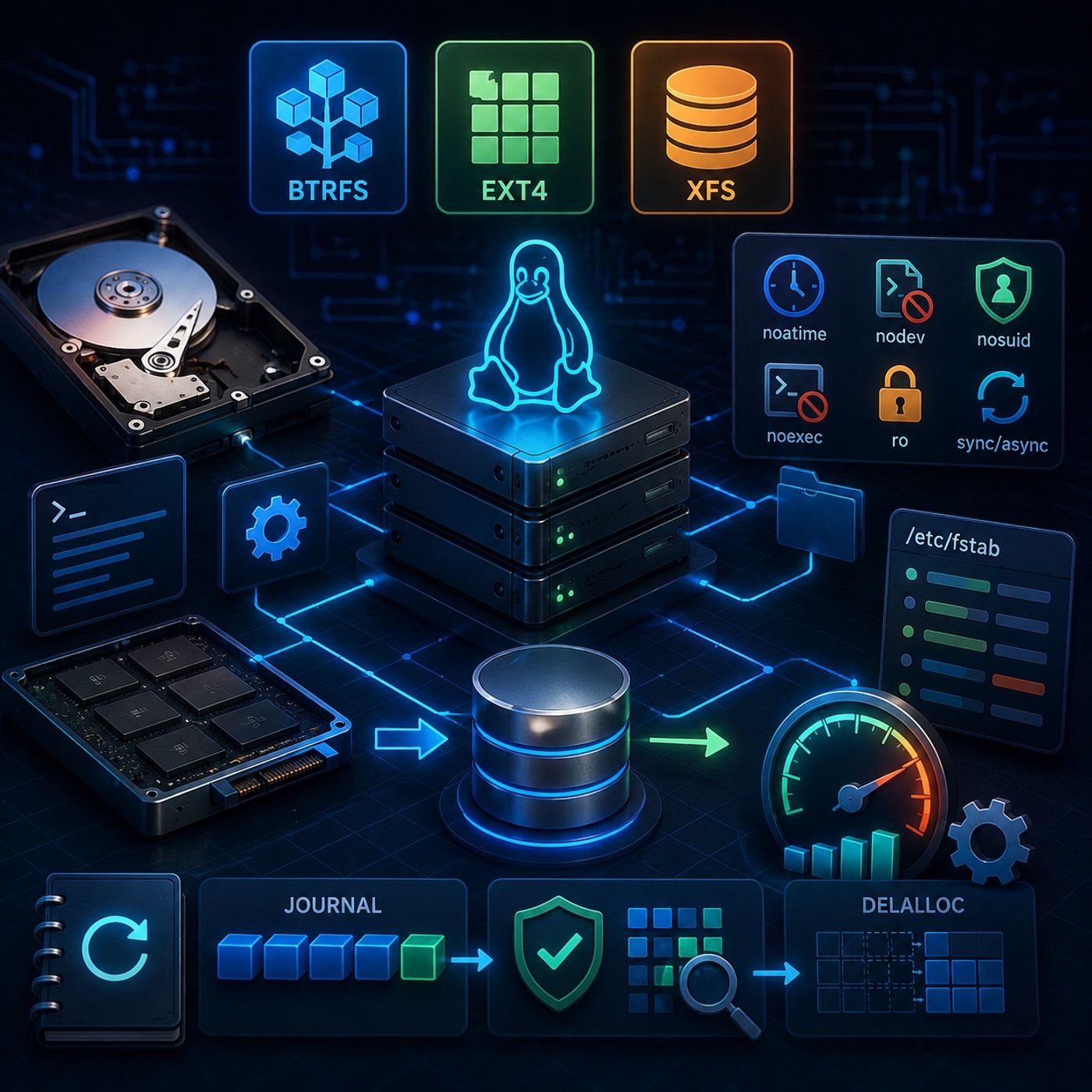
Linux storage management goes far beyond formatting a disk and mounting it. Understanding how modern Linux file systems work—and how their configuration affects security, reliability, and performance—is an essential skill for system administrators and security professionals.In this episode, we move from the architectural foundations of Linux file systems into practical storage administration and advanced performance tuning. We compare Btrfs, ext4, and XFS, examine how storage devices are provisioned and mounted, and explore how carefully selected mount options can improve both system security and operational efficiency.The episode concludes with a deeper look at ext4 journaling and perf...
Course 44 - RH Security Specialist | Episode 3: From Standards to LUKS Encryption
A secure Linux server begins with more than a hardened configuration file. Enterprise security requires a layered approach that protects the system from physical tampering, unauthorized remote access, insecure services, filesystem abuse, and exposure of sensitive data.In this episode, we move from fundamental operating system hardening to advanced protection for data at rest. We examine how administrators can establish a secure server baseline, strengthen remote administration, safely manage system services, and use Linux Unified Key Setup (LUKS) to protect sensitive storage.The episode emphasizes a core security principle throughout: no single security control is sufficient on its own...
Course 44 - RH Security Specialist | Episode 2: Mastering Yum Updates and RPM Verification
Maintaining a secure and reliable Linux environment requires more than simply installing the latest software. Administrators must understand how security updates are identified and applied, how package authenticity is established, and how installed software can be inspected and verified at a lower level.In this episode, we explore the security-focused package management workflows used across Red Hat and CentOS environments. Starting with automated security patching through Yum, we progress into cryptographic package verification and finally examine direct package management with RPM.The goal is to build a practical understanding of how Linux administrators can keep systems patched, maintain a...
Course 44 - RH Security Specialist | Episode 1: Hardening, the CIA Model, and Professional Success
This episode, we shift our focus from application development to the security of the underlying server infrastructure.A newly deployed server can quickly become a target for automated scanning, credential attacks, and other unauthorized activity. Building a secure environment therefore requires more than simply installing an operating system and deploying applications. It requires a layered security strategy that combines physical protection, technical controls, and well-defined administrative procedures.This episode provides a practical framework for understanding how secure server environments are designed, monitored, tested, and maintained.1. The Three Pillars of SecurityWe begin by examining the three major categories of security...
Course 43 - Practical Malware Development | Episode 9: Finalizing Client-Side Command & Control
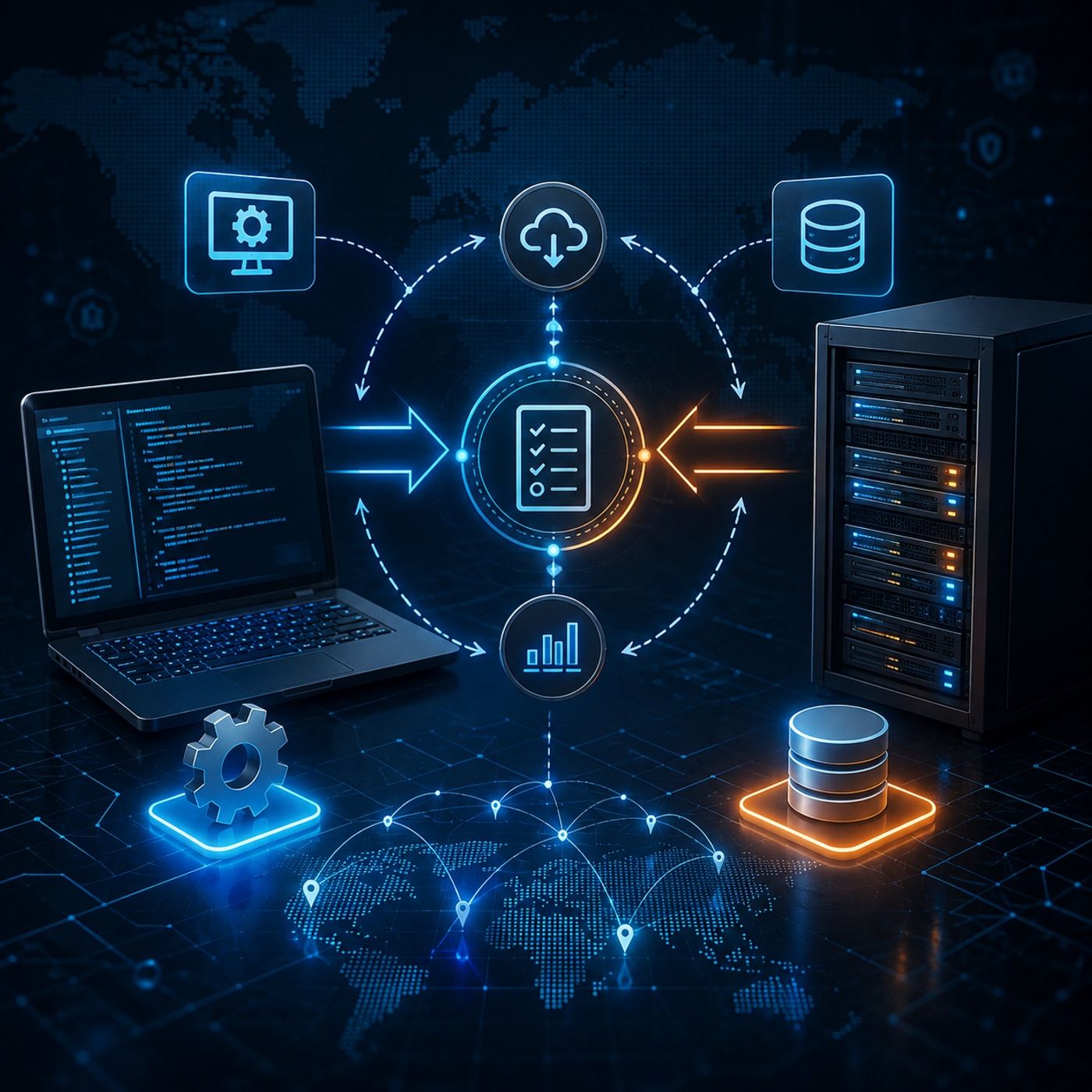
This final hands-on integration session, we bring the client-side component and the central control panel together into a complete communication workflow.The episode focuses on transforming an isolated client application into an integrated node capable of registering its system information, periodically checking for pending tasks, processing authorized instructions, and returning execution results to the backend.For educational purposes, this architecture should be operated exclusively within an authorized laboratory, isolated test environment, or controlled security research network.1. Registering the Client NodeWe begin by configuring the client application to communicate with the server-side backend.The client is provided with the appropriate...
Course 43 - Practical Malware Development | Episode 8: Building a PHP Command and Control Backend
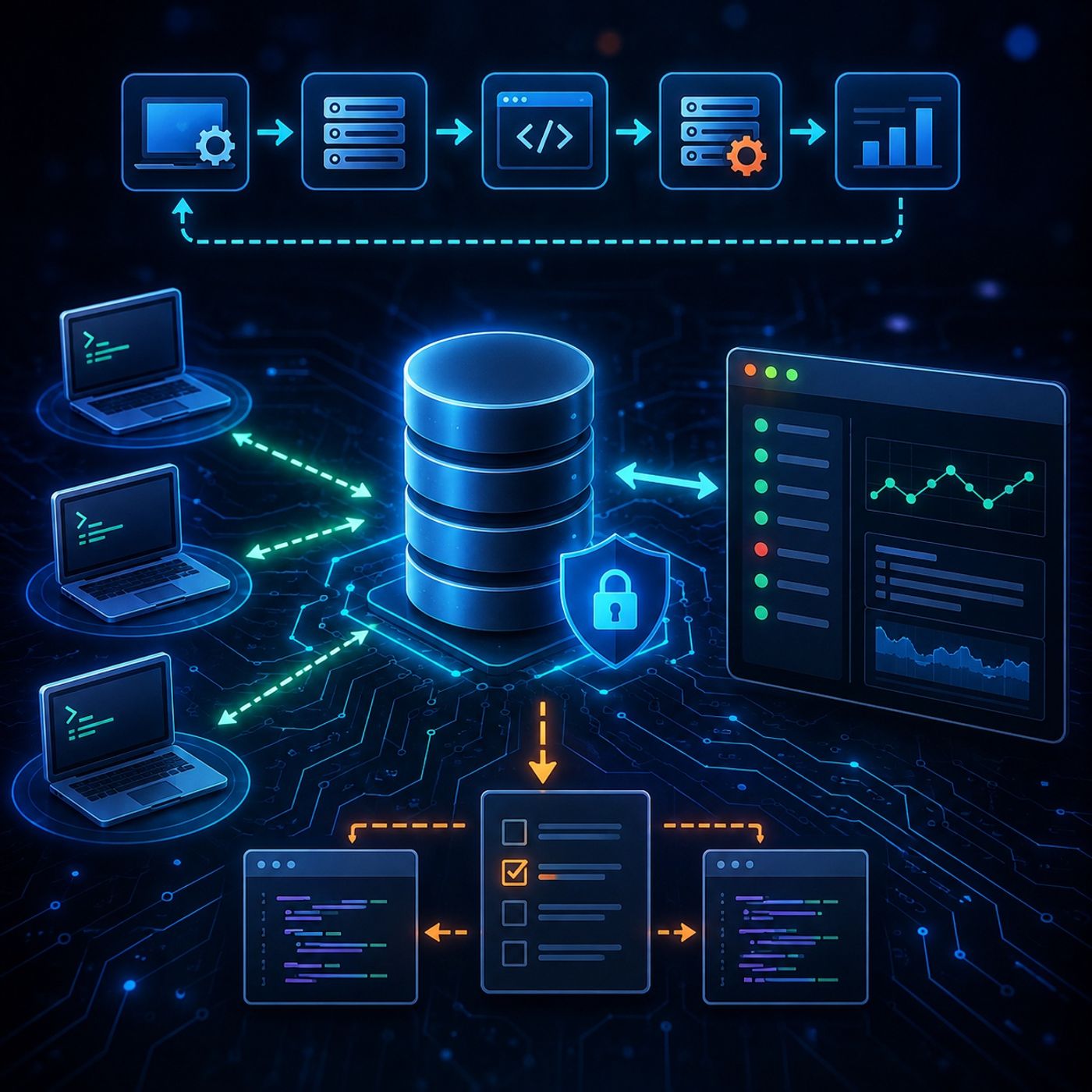
This episode, we bring the control-panel backend together into a complete PHP, MySQL, and JavaScript database-driven communication architecture.Building on the authentication and dashboard functionality from previous episodes, we now connect the individual components into a closed-loop workflow for registering client nodes, managing queued tasks, receiving returned results, and displaying those results through a responsive administrative interface.For security training purposes, the architecture should be deployed only in an authorized laboratory, red-team environment, or isolated research network.1. Client Node RegistrationWe begin with register.php, which acts as the gateway for registering a client with the backend.The registration process...
Course 43 - Practical Malware Development | Episode 7: Building a PHP Session Control Panel
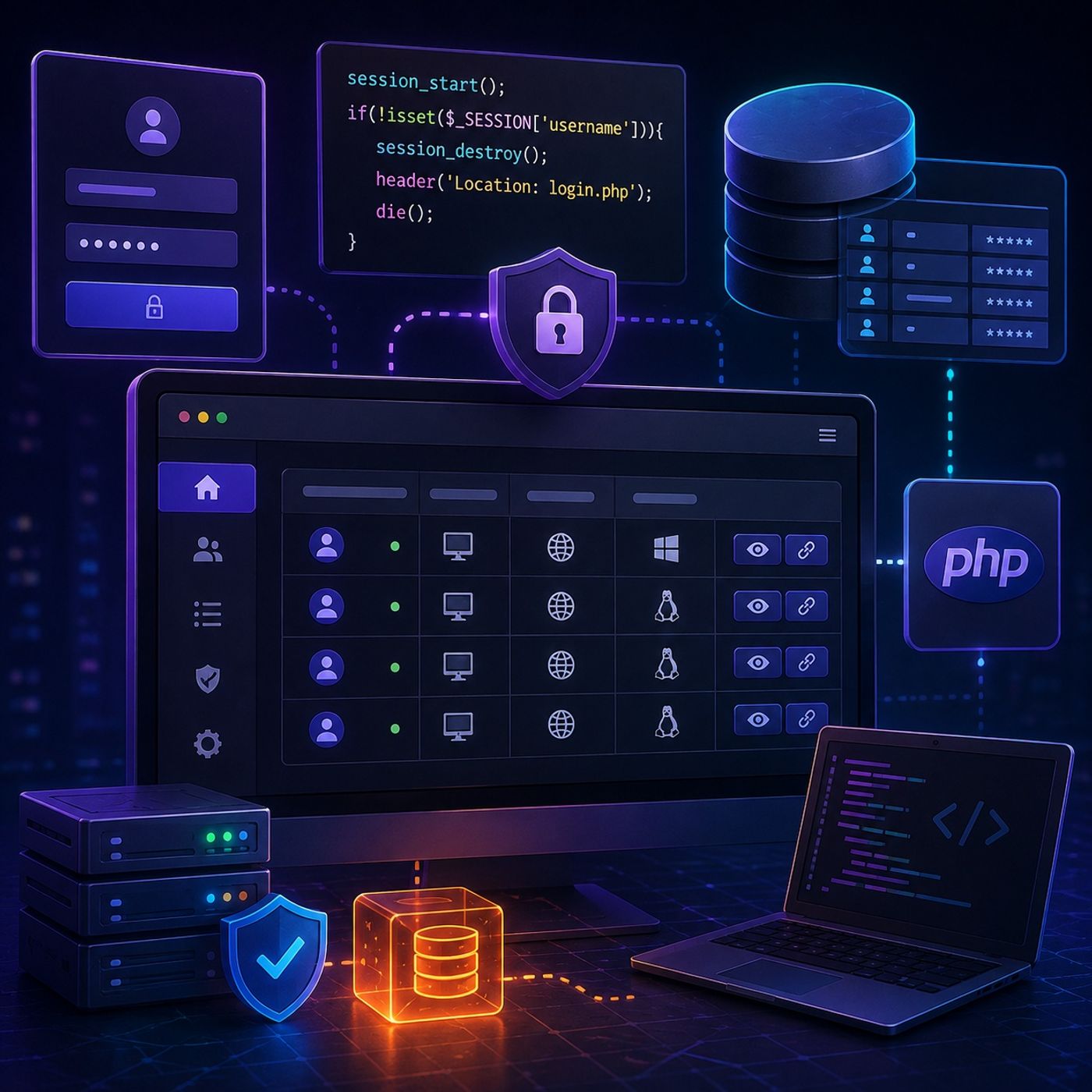
This episode, we continue developing our PHP-based control panel by moving beyond authentication and building the authenticated administration layer.We begin by establishing administrator credentials, then implement a dedicated session-protection mechanism to secure private pages. Finally, we transform the control panel into a dynamic dashboard capable of retrieving database records and presenting them through a structured web interface.The episode demonstrates how authentication, session management, database queries, and dynamic HTML generation come together to create a functional administrative backend.1. Creating Administrator CredentialsWe start by creating the primary administrator account within the users table.Using MySQL's INSERT INTO statement, we...
Course 43 - Practical Malware Development | Episode 6: Database Foundations and PHP Integration
This episode, we build a PHP and MySQL control panel backend from the ground up, progressing from database initialization and server configuration to user authentication and session management.The episode focuses on connecting a web application to a MySQL database while introducing important security concepts such as prepared statements, parameter binding, password hashing, and session-based authentication.1. Creating the Database FoundationWe begin by preparing the MySQL environment and creating a dedicated database named control_panel.The database is structured around two key tables:
A users table for storing web panel authentication data.A victims table...